
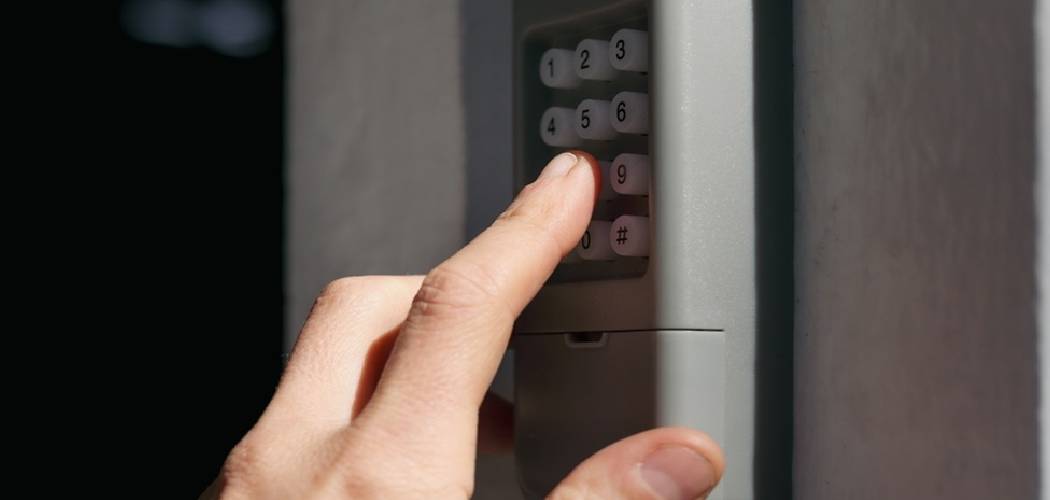
There is nothing quite like the convenience of modern home automation. Gone are the days of manually lifting heavy doors or panicking because you forgot your remote control inside the house. A garage door keypad is one of those simple yet brilliant inventions that makes daily life just a little bit smoother. It offers secure, keyless entry and exit for your family, dog walkers, or service providers without the need for physical keys or handheld clickers. However, while most people know how to open the door with their code, figuring out how to close a garage door with a keypad can sometimes be less intuitive, especially for new homeowners or those with freshly installed systems.
Mastering this function is essential for maximizing the security and utility of your garage. Whether you are rushing off to work or heading out for an evening walk, being able to shut the door quickly from the outside without a remote is a game-changer. This guide is designed to demystify the process, walking you through everything from basic operation to troubleshooting common issues. By the end, you will feel completely confident using every feature your keypad has to offer, ensuring your home remains safe and accessible.
Why Learning How to Close a Garage Door with a Keypad Matters
Understanding the full functionality of your garage door system is about more than just convenience; it is a critical component of home security and safety. Many homeowners rely exclusively on the remote control found in their car or the wall button inside the garage. This reliance creates a vulnerability if you ever find yourself outside without your keys or car. Knowing the specific closing protocols for your keypad ensures that you can always secure your home, even if you stepped out for a quick chore and the door was left open. It eliminates that sinking feeling of uncertainty when you wonder if you actually closed the garage door after leaving.
Step-by-Step Guide on How to Close a Garage Door With a Keypad
Step 1: Identify Your Garage Door Opener Brand and Model
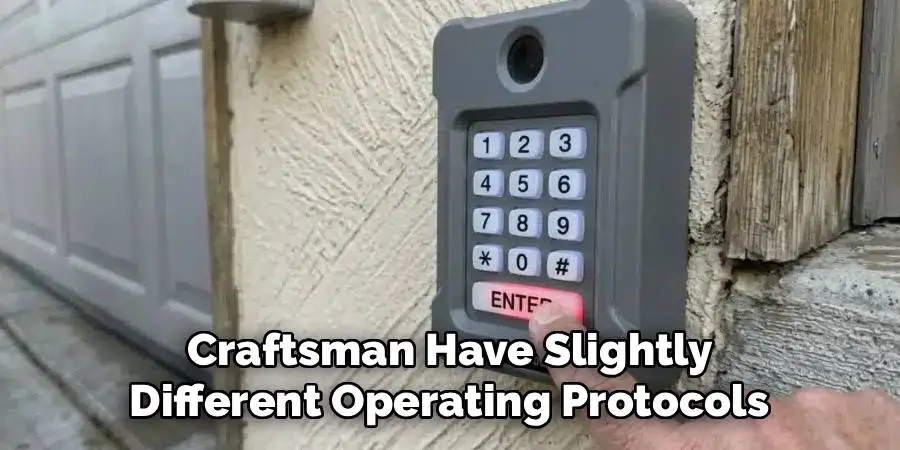
Before you attempt to operate the door, take a moment to determine exactly what kind of system you have installed. Different manufacturers like Chamberlain, Genie, LiftMaster, and Craftsman have slightly different operating protocols for their keypads. While the general concept remains the same, the specific button sequences or features can vary. Look for the brand name on the keypad itself or on the main motor unit hanging from your garage ceiling. Knowing the specific model will help you understand if your system supports features like “one-touch close” or if it requires the full code every time.
Step 2: Locate the Enter or Start Button on the Keypad
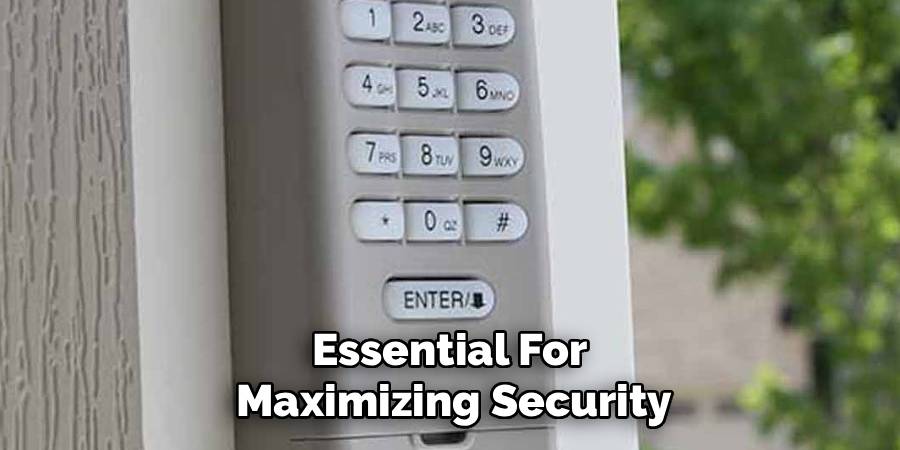
Most modern garage door keypads are designed with a specific button that initiates the command once the code is entered. This is typically labeled as “Enter,” “Start,” or sometimes just an arrow symbol, depending on the brand you identified in the previous step. Take a moment to press the buttons to see if they light up, ensuring the battery is fresh and the device is responsive. Understanding the physical layout and responsiveness of your specific keypad is the foundation for learning how to close a garage door with a keypad efficiently and without hassle.
Step 3: Verify the Door Path is Clear of Obstructions
Safety should always be your top priority when operating any heavy machinery, including your garage door. Before you even touch the keypad, visually inspect the area underneath the door and the tracks on either side. Ensure that there are no objects, such as bicycles, toys, garden tools, or debris, blocking the path of the sensors. Modern garage doors are equipped with photo-eye sensors near the floor that prevent the door from closing if an invisible beam is broken. If these sensors are blocked or misaligned, the door will not close regardless of what code you enter. This safety feature is vital for protecting pets and children.
Step 4: Enter Your Personal Four-Digit Security Code
Now that you have prepared the area and know your equipment, it is time to input your unique access code. This is usually a four-digit number that you or the installer set up when the system was first programmed. Type the numbers firmly and deliberately. If you make a mistake while entering the sequence, it is often best to stop, wait a few seconds for the system to reset, and start over from the beginning. Rushing through the entry can lead to “ghost inputs” where the system doesn’t register a keystroke. Accuracy is key here.
Step 5: Press and Hold the Enter Button to Activate
Once you have successfully typed in your security code, the next action determines whether the door opens or closes. For most standard operations, you will press and hold the “Enter” button until the door mechanism engages. You should hear the motor hum to life and see the door begin its descent. It is important to keep watching the door as it moves. Do not walk away immediately. Verify that the door is moving smoothly and that it does not hitch or reverse unexpectedly.

Step 6: Utilizing the One-Touch Close Feature
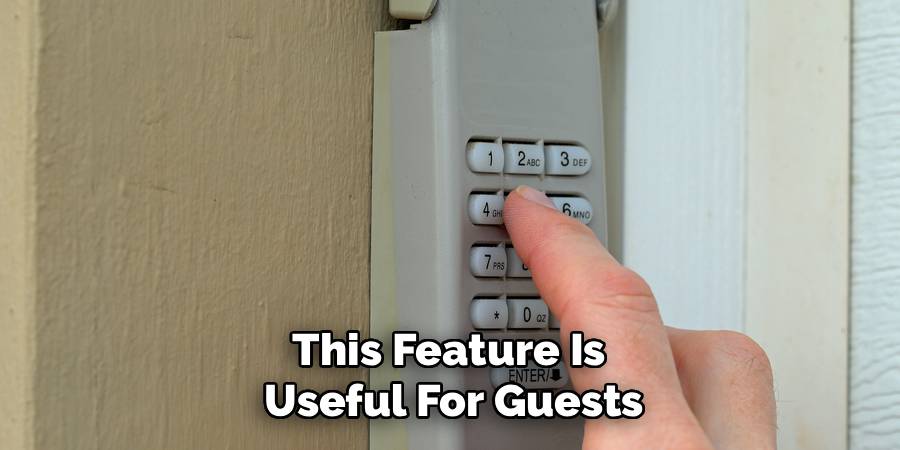
Many modern garage door openers come equipped with a convenient feature known as “one-touch close” or “quick close.” This function allows you to shut the door without entering your four-digit security code, which is perfect for saving time when you are leaving. To use this, you typically just press the “Enter” button on the keypad when the door is open. If your system supports this and is programmed correctly, the door will begin to close immediately. This feature is incredibly useful for guests or workers who need to secure the house but do not need to know your private access code. However, it is important to test this feature first to see if it is enabled on your specific model. Understanding this shortcut effectively demonstrates how to close a garage door with a keypad with maximum efficiency and minimal effort.
Step 7: Wait for the Door to Close Completely
The final step in the process is often the most overlooked but is arguably the most important for security. After you have activated the closing sequence, stand by and watch the door until it makes full contact with the driveway concrete. Ensure that the motor stops running and the light on the opener unit turns off or stays solid, indicating a successful cycle. Sometimes, a door might hit the ground and then bounce back up if the travel limits are not set correctly.
Frequently Asked Question
Why Is My Garage Door Keypad Blinking Rapidly?
If your keypad is blinking rapidly, it usually indicates a specific issue or error code. The most common reason is a low battery. When the battery voltage drops, the keypad may still light up but lack the power to send a strong signal to the opener. Replace the 9-volt or AA battery and try again. Alternatively, rapid blinking can signal that the device has lost its connection to the motor unit and needs to be reprogrammed. Consult your manual for the specific blink patterns related to your model.
Can I Close the Garage Door Without a Code?
Yes, many modern garage door systems feature a “one-button close” or “quick close” option. This allows you to simply press the “Enter” button on the keypad to lower the door without typing in your PIN. This feature is designed for convenience when leaving the property. However, for security reasons, you will always need to enter the code to open the door again. Check your specific manufacturer’s manual to see if this feature is enabled by default or needs to be activated manually.
What Should I Do If the Keypad Doesn’t Work in Cold Weather?
Cold weather can significantly affect battery performance and electronic circuits. If your keypad becomes unresponsive during winter, the first step is to replace the battery with a high-quality, cold-resistant brand. Sometimes, the buttons themselves can become stiff or the membrane can harden, making it difficult to make contact. Gently warming the keypad with your hand or a warm cloth can sometimes help temporarily. If the problem persists every winter, consider upgrading to a newer model designed to withstand extreme temperatures.
How Do I Reset My Garage Door Keypad Code?
To reset your code, you will need access to the main motor unit on your garage ceiling. Locate the “Learn” or “Smart” button, which is often colored purple, red, or yellow. Press and release this button; a light should turn on. Within 30 seconds, enter your desired four-digit code on the keypad and press and hold the “Enter” button. The main light on the opener will blink or click to confirm the new code has been accepted. This process clears the old PIN and sets the new one.
Is It Safe to Give My Keypad Code to Service Workers?
Sharing your primary code is generally not recommended for security reasons. Instead, many modern garage door openers allow you to program a temporary “guest code.” This code allows access for a limited number of uses or a specific amount of time before expiring. By setting a temporary PIN for delivery drivers, pet sitters, or contractors, you maintain control over your home’s security without compromising your personal master code. Once their service is complete, the code stops working automatically or can be easily deleted.
Conclusion
Mastering the use of your garage door keypad is a small but significant step toward a more secure and convenient home environment. By familiarizing yourself with your specific opener model, understanding the difference between standard entry and one-touch closing, and performing regular maintenance like battery checks, you ensure that your system remains reliable year-round. You no longer have to worry about being locked out or leaving your home vulnerable due to a forgotten remote.
Whether you are using the full security code or taking advantage of the quick-close features, the process is straightforward once you know the steps. We hope this guide on how to close a garage door with a keypad has empowered you to take full control of your home’s access points. With these tips in hand, you can confidently secure your garage with the touch of a button, keeping your property safe and your daily routine uninterrupted.

I am Rick. I grew up helping my dad with his handyman service. I learned a lot from him about how to fix things, and also about how to work hard and take care of business. These days, I’m still into fixing things- only now, I’m doing it for a living.
I’m always looking for new ways to help people grow and develop. That’s why I have created this blog to share all my experience and knowledge so
that I can help people who are interested in DIY repair.