
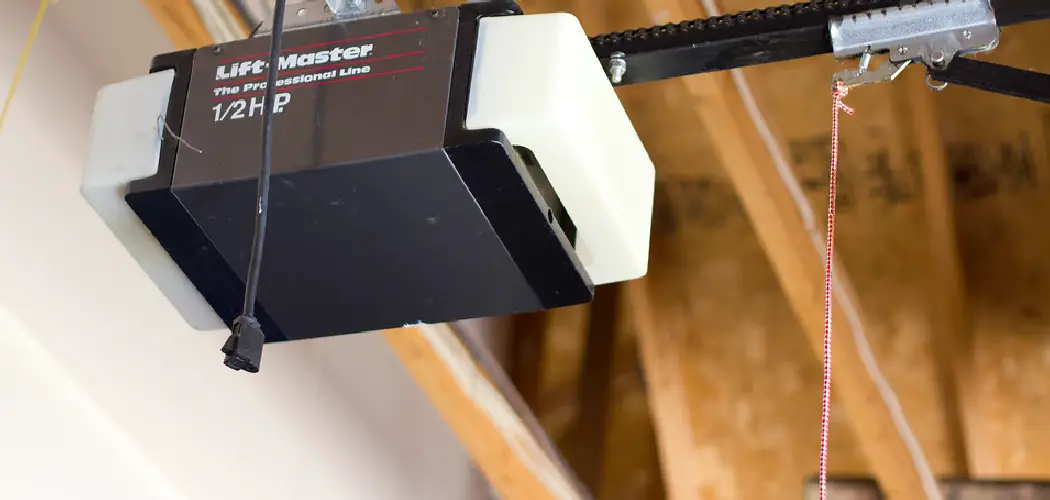
To connect a Genie garage door opener to your car’s HomeLink system, clear the HomeLink memory, hold the Genie remote 1–3 inches from your chosen HomeLink button, press both simultaneously until the light flashes rapidly, then press the Genie’s “Learn” button and confirm from your car. The full process takes about 15 minutes.
Syncing a Genie garage door opener to your car sounds like it should be straightforward. Press a button, wave a remote around, done. In practice, though, it’s one of those tasks that seems to attract a specific kind of frustration—the kind where nothing happens, lights blink at you mysteriously, and you end up Googling “why won’t HomeLink work” at 9 pm on a Tuesday.
The good news? The process itself is genuinely simple once you understand what’s actually happening under the hood. Genie openers use Intellicode rolling code technology, which shuffles the access code every single time the opener activates. It’s a security feature, and a smart one—but it also means the programming process has two distinct stages rather than one. Skip either stage, and you’ll be stuck in the driveway.
This guide on how to connect genie garage door opener to car walks through every step clearly, with the common failure points flagged so you don’t have to figure them out through trial and error.
What Are the Genie Garage Door Opener and HomeLink System?
The Genie garage door opener is one of the most widely used residential garage systems in the US. Most current Genie models run on Intellicode rolling code technology, which generates a new access code after every use, making unauthorized duplication considerably harder than older fixed-code systems.
HomeLink, on the other hand, is a built-in wireless control system found in millions of vehicles. Depending on your car, it’s typically located on the rearview mirror, sun visor, or overhead console. Programming it means teaching those buttons to broadcast the same signal as your existing Genie remote. Once that’s done, the handheld remote becomes optional.
Safety Precautions Before You Start
Keep the garage clear of people and obstructions during setup—the door may activate at unexpected moments. Do this with the vehicle parked and stationary; attempting to program HomeLink while driving is both dangerous and unnecessary.
Keep children away from the garage area throughout. And before touching anything on the opener unit itself, do a quick visual check for frayed wires or visible electrical damage, especially if the unit hasn’t been serviced recently.
Tools and Materials Needed
Your Genie Garage Door Remote
This is the device that transfers the signal to HomeLink. Keep it nearby throughout.
Your Vehicle’s Owner’s Manual
HomeLink button placement varies by make and model. Your manual will confirm the exact location and note any vehicle-specific steps worth knowing.
A Step Stool or Ladder (If Needed)
Genie openers are typically ceiling-mounted. If yours is high up, a step stool makes accessing the “Learn” button considerably easier—and safer.
Fresh Batteries for the Remote
This one gets skipped more often than it should. A weak battery produces a weak signal, and a weak signal during programming tends to result in an incomplete connection. Swap them in before you start.
A Pen and Paper (Optional)
Useful if you’re programming multiple devices to different HomeLink buttons. A quick note about which button does what prevents confusion later.
7 Steps on How to Connect Genie Garage Door Opener to Car
Step 1: Clear the HomeLink Memory in Your Vehicle
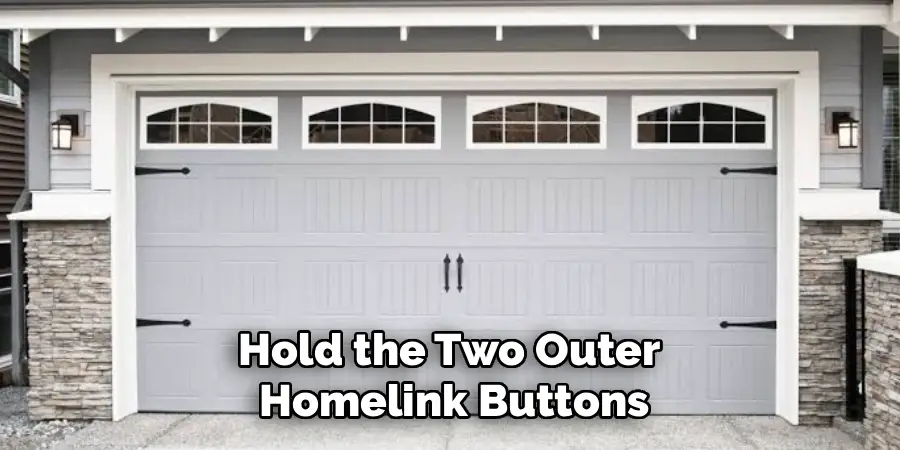
Hold the two outer HomeLink buttons simultaneously for about 20 seconds. When the indicator light shifts from a slow blink to a rapid flash, release both buttons. This wipes any previously stored signals and ensures you’re starting fresh—skipping this step is one of the most common reasons the process fails.
Step 2: Locate the HomeLink Buttons in Your Car
Look for a two- or three-button panel on your rearview mirror, overhead console, or sun visor. If you’re not sure where to look, your owner’s manual will confirm it. Choose the button you want to assign to your garage door before moving on.
Step 3: Hold the Genie Remote Close to the HomeLink Button
Park your vehicle inside or directly in front of the garage. Hold the Genie remote 1–3 inches from the HomeLink button you’ve selected. That close proximity matters—too much distance and the signal transfer becomes unreliable.
Step 4: Press and Hold Both Buttons Simultaneously
Press your chosen HomeLink button and the corresponding button on the Genie remote at the same time. Hold both until the HomeLink indicator light transitions from a slow blink to a rapid flash. This typically takes 20–30 seconds. Once the light changes, release both buttons.
Step 5: Locate the “Learn” Button on Your Genie Opener
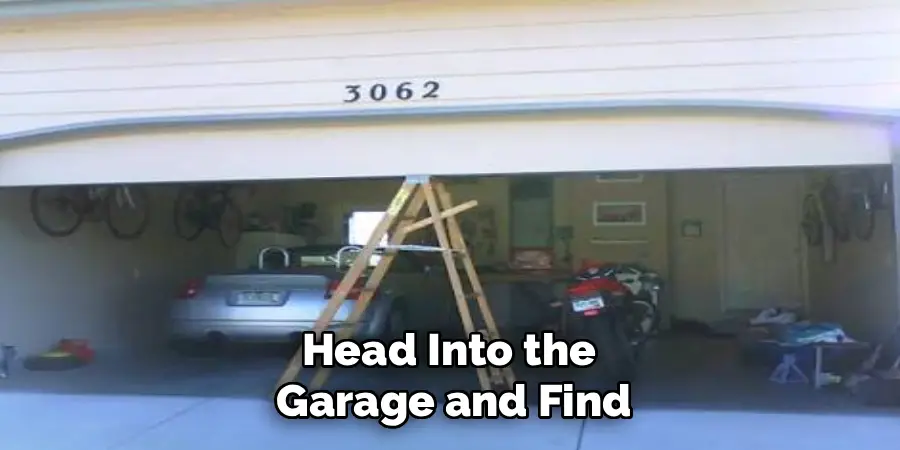
Head into the garage and find the “Learn” button on the motor unit itself. It’s usually on the back or side panel, close to the antenna wire. The button color varies by model—purple, red, green, or yellow are all common—but its position near the antenna is a reliable indicator.
Step 6: Press the “Learn” Button on the Genie Unit
Press and release the “Learn” button firmly. The indicator light next to it will turn on, signaling that the opener is ready to receive a new code. You have approximately 30 seconds before that window closes, so head back to your car promptly.
Step 7: Press the HomeLink Button in Your Car Three Times
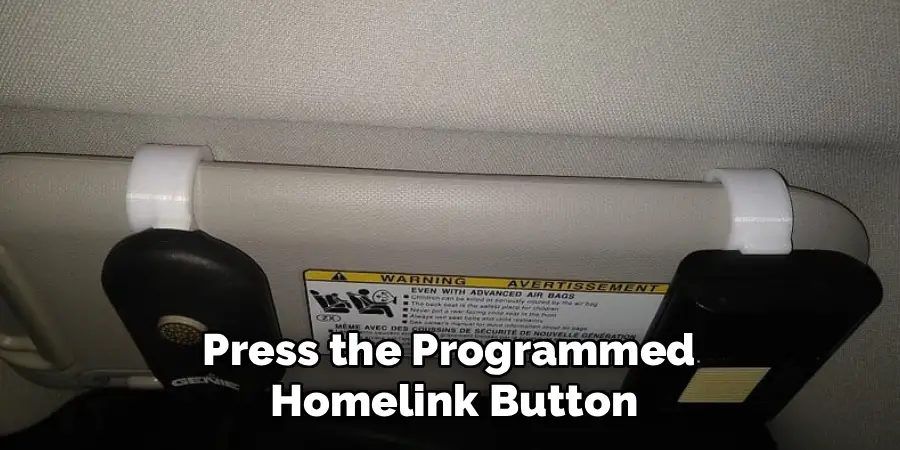
Press the programmed HomeLink button three times, holding each press for about two seconds. If everything has gone correctly, your Genie garage door should open or close. The HomeLink indicator light will flash briefly, then go solid—that solid light confirms a successful connection.
If the door doesn’t respond on the first attempt, repeat steps 5 through 7. Genie models with rolling code technology occasionally need this two-stage cycle run twice before the sync takes hold.
Following these steps on how to connect genie garage door opener to car, you can now conveniently control your garage door with the push of a button from your car.
Common Mistakes to Avoid
Failing to clear the HomeLink memory before starting may cause it to conflict with signals stored from a previous vehicle or remote—this alone accounts for a significant share of failed programming attempts.
Holding the Genie remote too far from the HomeLink panel during step 4 is another frequent culprit. One to three inches is the range; anything beyond that and the signal transfer tends to be inconsistent.
Old batteries are probably the most overlooked variable. They weaken the transmitted signal just enough to prevent a clean lock-in during programming. Two minutes spent replacing them at the start can save a much longer troubleshooting session later.
Maintenance Tips
Test the HomeLink connection every few months by pressing the programmed button and watching how quickly the door responds. Any noticeable delay or missed signal is usually resolved by running through the programming steps again—no professional service required.
Keep the Genie opener’s antenna free of dust and obstructions, since buildup can gradually degrade signal transmission. It’s also worth inspecting the garage door’s sensors and tracks periodically to confirm the mechanical components aren’t interfering with opener performance.
Security Tips
- Reset your access codes periodically by pressing the “Learn” button on the Genie unit, which clears all stored remotes and HomeLink connections.
- Never leave your handheld Genie remote visible inside a parked car—it’s a straightforward target for break-ins.
- Enable the timer-to-close feature if your Genie model supports it, so the door shuts automatically after a set interval.
- Use vacation lock mode when leaving home for extended periods to block remote access entirely.
- Audit your connected devices every six months and remove any you no longer use.
Frequently Asked Questions
Why Won’t My HomeLink Button Sync with My Genie Garage Door Opener?
The most common causes are weak remote batteries, too much distance between the remote and the HomeLink panel during programming, or a missed “Learn” button window—which closes after approximately 30 seconds. Try the process again with fresh batteries and keep the remote within 1–3 inches of the HomeLink panel throughout step 4.
How Many Devices Can I Program to My Genie Garage Door Opener?
Most Genie openers support up to three remotes or devices simultaneously. If you need to add a new device after reaching that limit, hold the “Learn” button for approximately six seconds to clear the memory, then reprogram all desired devices from scratch.
Do I Need a Specific Genie Model to Connect to HomeLink?
HomeLink is compatible with the majority of Genie garage door openers, including those using Intellicode rolling code technology. If you’re unsure about your specific unit, cross-reference your Genie model number with the compatibility list on the official Genie website at geniecompany.com.
Get Connected and Drive with Confidence
Connecting your Genie garage door opener to your car’s HomeLink system removes a small but persistent friction point from daily life. No more fumbling for a separate remote—just a quick press from your dashboard every time you pull in or out.
Follow the seven steps on how to connect genie garage door opener to car above, avoid the pitfalls outlined here, and keep up with basic maintenance to ensure the system stays reliable long-term. If you run into a model-specific issue, the Genie support page at geniecompany.com is a solid resource for additional guidance.

I am Rick. I grew up helping my dad with his handyman service. I learned a lot from him about how to fix things, and also about how to work hard and take care of business. These days, I’m still into fixing things- only now, I’m doing it for a living.
I’m always looking for new ways to help people grow and develop. That’s why I have created this blog to share all my experience and knowledge so
that I can help people who are interested in DIY repair.