
The Universal Remote system integrated into a modern GMC Sierra is a testament to the vehicle’s blend of rugged capability and sophisticated convenience. This built-in feature, commonly known by the brand name HomeLink, streamlines your daily routine by consolidating your garage and gate remotes into a clean, factory-installed set of buttons in your truck’s cabin. Programming this system is a simple task that enhances both convenience and security, eliminating the need for fumbling with loose, battery-powered remotes that can be lost, stolen, or simply get in the way.
This article will serve as a comprehensive guide to mastering this process. Many owners are intimidated by the idea of programming their vehicle’s technology, but the system is designed to be user-friendly. Learning how to program garage door opener GMC Sierra systems is a quick procedure that any owner can complete in just a few minutes, creating a direct and reliable link between their powerful truck and their home.
Understanding Your Sierra’s Universal Remote System
Before you begin pressing buttons, it is helpful to have a basic understanding of the technology you are working with. This knowledge will clarify the purpose behind each step and make it easier to troubleshoot if you encounter any issues. The system in your Sierra is a “learning” device that works in tandem with your existing garage door opener.
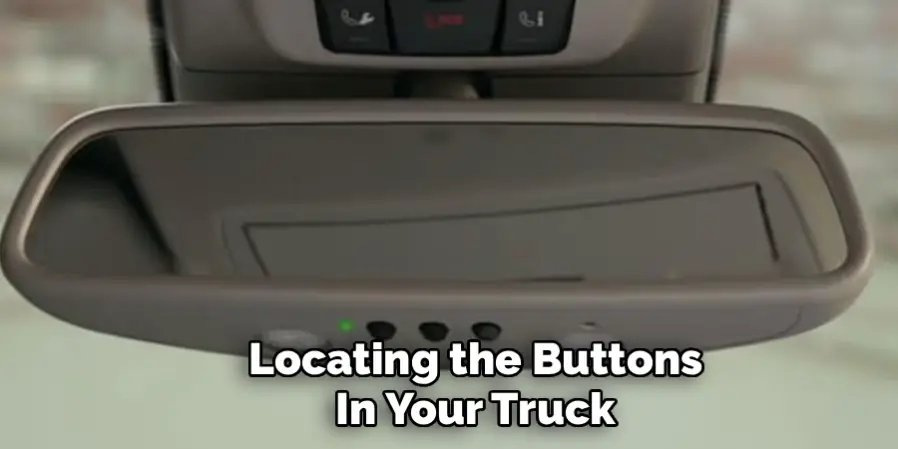
Locating the Buttons in Your Truck
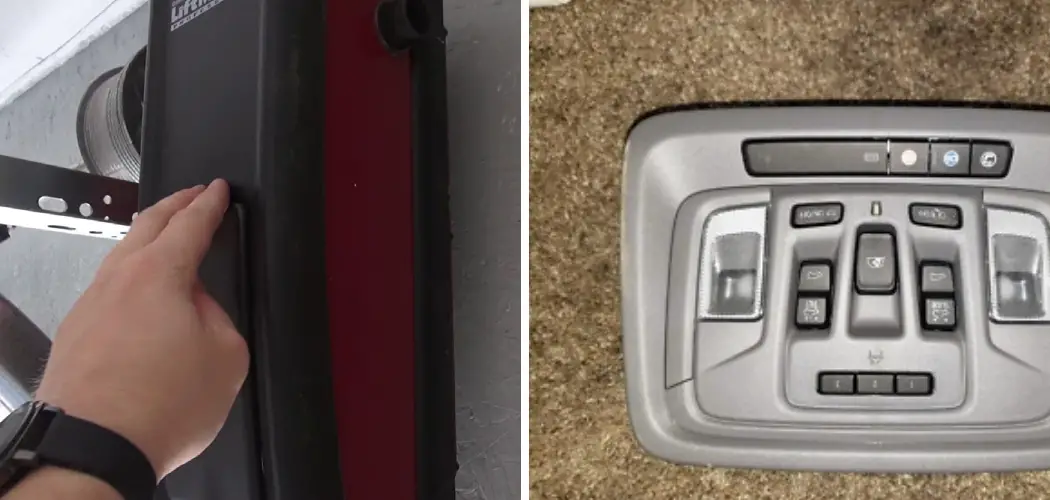
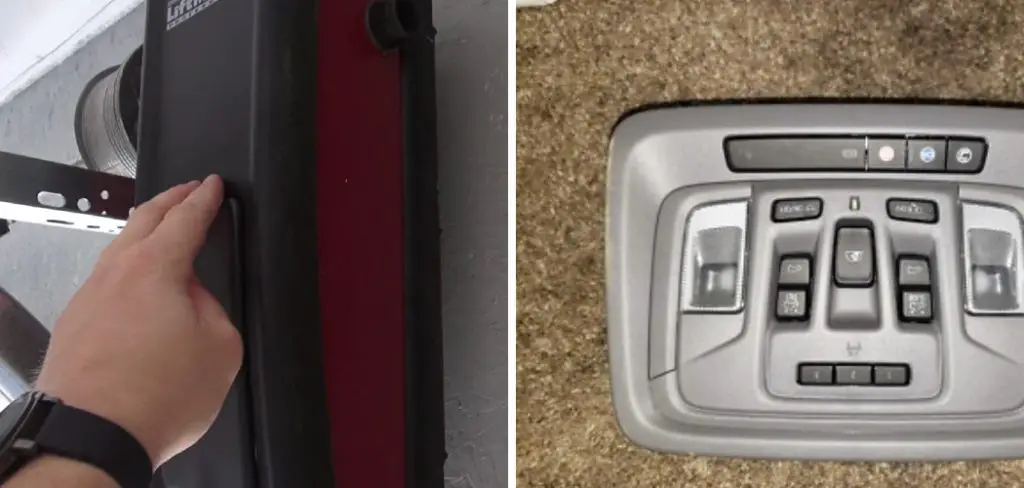
First, you need to find the Universal Remote buttons in your GMC Sierra. In most recent models, these are located in the overhead console, situated between the sun visors and near the map lights. The panel typically consists of three programmable buttons, often marked with a house icon or Roman numerals. Alongside these buttons is a small but crucial LED indicator light. This light provides all the feedback you need during the programming process, signaling when the system is learning, when it has succeeded, and what type of opener you have.
Rolling Code vs. Fixed Code Openers
The next step is to understand the type of garage door opener you have at home, as this determines the final step of the programming process. Garage door openers fall into two main categories based on their security technology. Older models, generally those made before the mid-1990s, use a “fixed code.” This means the remote sends the exact same digital signal to the opener every time. It is simple but not very secure.
For this reason, nearly all modern garage door openers use “rolling code” technology. These advanced systems, often marketed under names like Security+ or IntelliCode, use a sophisticated algorithm to change the access code with every single use. The remote and the motor are synchronized, and the motor will only accept the next code in the sequence. This makes it virtually impossible for someone to capture your signal and use it to open your garage.
This distinction is vital because rolling-code systems, which are the most common today, require one extra but very important synchronization step using the “Learn” button on the motor unit itself.
Pre-Programming Checklist: Getting Ready
A successful and hassle-free programming experience begins with a few moments of proper preparation. Gathering your tools and setting up a safe environment will ensure the process goes smoothly from start to finish.
Safety First
Your garage door is the largest and heaviest moving object in your home, so safety must be the top priority. Before you begin, ensure the door’s path is completely clear of any people, pets, vehicles, or other obstructions. For the programming process, park your Sierra outside of the garage, but with the front of the truck facing the garage door. This provides a clear signal path and prevents any risk of the door closing on your vehicle.
Gathering Your Tools
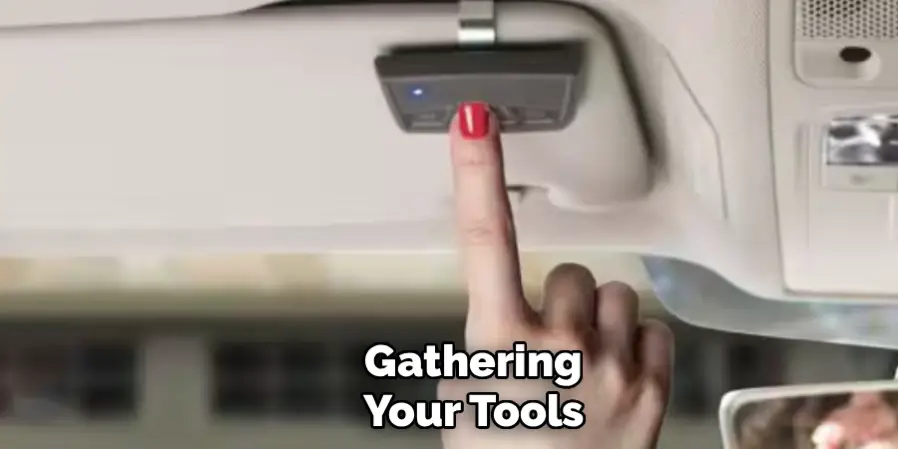
You will only need two items for this job. First, you must have your original, working handheld remote for the garage door. The system in your Sierra learns by copying the signal from this remote, so it must be functional and equipped with a fresh battery. A weak remote battery is the single most common reason for programming failure. Second, for the vast majority of modern rolling-code openers, you will need a sturdy and secure A-frame ladder or step stool to safely reach the garage door motor unit hanging from the ceiling.
Starting Fresh: Clearing Previous Codes from the System
Whether your GMC Sierra is brand new or you bought it used, it is always best practice to begin by clearing any codes stored in the Universal Remote’s memory. A used truck may have the previous owner’s codes programmed, and even a new vehicle may have been programmed for testing at the factory. This master reset creates a “clean slate,” ensuring no old or conflicting signals interfere with your new setup.
The Master Reset Procedure
The process for a factory reset is simple. With the truck’s ignition turned to the “On” or “Accessory” position, press and hold the two outer buttons (buttons 1 and 3) on the Universal Remote panel. You will need to hold them down for approximately 10 to 20 seconds. Watch the indicator light; it will turn on, and after several seconds, it will begin to flash rapidly. This rapid flashing confirms that all previous codes have been erased. You can now release the buttons. The system is reset and ready to learn.
How to Program Garage Door Opener GMC Sierra: The Step-by-Step Guide
With your truck prepared and the system’s memory cleared, you are ready to program your remote. This is the core of the process, guiding you through the synchronization from start to finish. For most users, this will involve training the button with your handheld remote, followed by a final sync with the motor unit.
Step 1: Prepare the Truck and Remote
Sit in the driver’s seat of your Sierra. Make sure the truck’s ignition is in the “On” or “Accessory” position to power the Universal Remote system. Take your original handheld garage door remote and hold it about 1 to 3 inches away from the Universal Remote buttons in your overhead console.
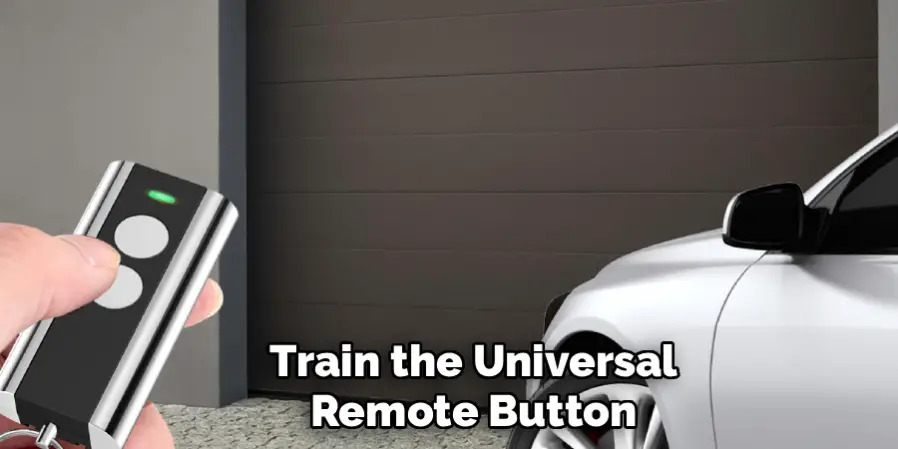
Step 2: Train the Universal Remote Button
First, decide which of the three buttons in your Sierra you want to program for this garage door. Now, simultaneously press and hold both the desired button on your truck’s remote panel and the button on your handheld remote.
Step 3: Watch the Indicator Light
As you hold both buttons down, keep your eye on the small LED indicator light on the Sierra’s overhead console. The light will begin to flash slowly for several seconds. This indicates that it is in “learning mode” and is attempting to capture the signal from your handheld remote. Continue to hold both buttons down until the light’s flashing pattern changes from slow to rapid. This rapid flashing is the confirmation that the truck’s system has successfully learned and stored the frequency from your remote. You can now release both buttons.
Step 4: Test the Connection
Now it is time for a quick test. Press the button in your truck that you just programmed. If your garage door begins to operate, congratulations! You likely have an older, fixed-code opener, and your programming is complete. However, if the indicator light in your truck flashes rapidly for a few seconds but the door does not move, do not be concerned. This is the normal behavior for a modern rolling-code system. It simply means you must complete the final synchronization step.
Step 5: Synchronize with the Motor Unit (“Learn” Button)
This final step creates the secure, rolling-code link between your truck and your opener. Use your ladder safely to access the garage door motor unit. On the back or side of the motor, locate the “Learn” or “Smart” button. It is usually a small, square button, often located near a small LED and the antenna wire.
Press and release this button once. Do not hold it down. An LED on the motor will typically light up or blink, indicating that the opener is in pairing mode for the next 30 seconds.
Step 6: Finalize the Programming from the Truck
You now have a 30-second window to complete the process. Quickly and safely return to your Sierra’s driver seat. Press and hold the Universal Remote button you just programmed for about two seconds, then release it. The main lights on your garage door opener may blink, or you might hear an audible click from the motor. Press and release the same button again.
By the second or third press, the garage door should activate. This confirms the rolling code is now fully synced, and the process is complete.
Programming for Gated Communities and Other Devices
The convenience of the Universal Remote in your Sierra extends beyond just your garage. You can use the other available buttons to control a variety of other radio-frequency-activated devices.
Syncing with Community Gates
If you live in a gated community, you can program one of the other buttons to operate the security gate. The process is identical to programming a garage door. You will need a functional handheld remote for the gate to complete the initial training step. Most modern security gates also use rolling-code technology, so you may need to contact your property manager to locate the “Learn” button on the gate’s main control box to complete the final synchronization.
Compatibility with Other Systems
The Universal Remote system is designed to be compatible with a wide range of devices. This can include certain home automation systems that allow you to control exterior or interior lighting via radio frequency. By programming a button for this, you can turn on your home’s lights as you pull into the driveway, adding another layer of safety and convenience.
Troubleshooting Common Programming Issues
While the process is generally reliable, you might encounter a hiccup. These solutions address the most common problems users face.
The Truck’s Indicator Light Fails to Learn the Code
If you are trying to train a button, but the indicator light in your Sierra never changes from a slow to a rapid flash, the system is failing to capture the signal. The number one cause of this issue is a weak or dying battery in your handheld remote. Before you try anything else, install a fresh battery. If that doesn’t solve it, try experimenting with the distance and angle of the remote relative to the overhead console.
The “Learn” Button Step Doesn’t Work
If you have successfully trained the button but the final synchronization step fails, the problem is almost always related to timing or a brand-specific protocol. First, remember the strict 30-second time limit after you press the “Learn” button. If it is still not working, consult your garage door opener’s user manual. Some brands, like Genie, may have a slightly different procedure for this final step that you need to follow.
Programming a Canadian Garage Door Opener
It is worth noting that some older garage door openers manufactured for the Canadian market used a frequency that requires a slightly different training technique. If the standard method of holding the remote button down continuously does not work, try “cycling” it instead. While holding down the button in your Sierra, press and release the button on your handheld remote every two seconds until the truck’s indicator light changes to a rapid flash.
Maintaining Security and Reprogramming in the Future
A little knowledge about managing your system will help you keep it secure and functional for the life of your truck.
Erasing Codes Before Selling Your Sierra
This is a crucial security reminder. Before you sell or trade in your GMC Sierra, always perform the master reset procedure. Holding the two outer buttons until the light flashes rapidly will clear all your personal codes, protecting your home from being accessed by the new owner.
Reprogramming a Single Button
You do not need to perform a master reset every time you want to make a change. If you only need to update one button—for instance, if your community gate gets a new remote system—you can simply follow the programming steps for that individual button. This will overwrite the old code for that specific button without affecting the others.
Conclusion
The integrated Universal Remote system in your GMC Sierra is a powerful feature that adds a significant layer of convenience and security to your daily life. The process of programming it is designed to be simple, secure, and user-friendly. By following these steps, any owner can master the system, ditching the clutter of clip-on remotes for a seamless, built-in solution.
Knowing how to program garage door opener GMC Sierra systems is a valuable skill that puts you in full control of your vehicle’s technology. Whether you are setting it up for the first time, troubleshooting an issue, or securing your truck for a sale, you can manage the system with confidence. Enjoy the simple, integrated convenience every time you pull into your driveway.

I am Rick. I grew up helping my dad with his handyman service. I learned a lot from him about how to fix things, and also about how to work hard and take care of business. These days, I’m still into fixing things- only now, I’m doing it for a living.
I’m always looking for new ways to help people grow and develop. That’s why I have created this blog to share all my experience and knowledge so
that I can help people who are interested in DIY repair.