
If you’ve found yourself standing in front of your garage, unable to get the door to budge, you’re not alone. Understanding how to unlock a Chamberlain garage door is essential, especially when emergencies or malfunctions happen. Chamberlain garage doors are popular for their durability and innovative technology, but as with any system, issues can arise. Whether you’ve lost the remote, encountered a power outage, or faced a mechanical jam, this guide will walk you through unlocking it safely and efficiently.
The first step is to ensure your garage door is in manual mode. Locate the red emergency release cord hanging from the garage door opener rail. Pulling this cord disengages the motorized mechanism, allowing you to operate the door manually. Make sure to pull it gently and in a straight motion to avoid damaging the mechanism. Once disengaged, you should be able to lift the door by hand. If the door still doesn’t move, check for physical obstructions or damage to the tracks and rollers. Always proceed with caution, as garage doors can be heavy and harmful if not handled properly.
This beginner-friendly article breaks down the process into clear steps, offering practical solutions for common scenarios. By the end, you’ll feel confident in handling your garage door whenever a lockout situation occurs.
Why Is Knowing This Important?
Garage doors are part of daily life, providing convenience, security, and protection. When your Chamberlain garage door isn’t working, your vehicle, tools, or a safe entry into your home may be compromised. Knowing how to unlock it ensures you regain access quickly without causing harm to the equipment.
Understanding how to address a non-functional garage door can save time, money, and frustration. Whether it’s a power outage, a malfunctioning remote, or a mechanical issue, being prepared to handle these situations ensures you maintain control over your home’s access points. A little knowledge and preparedness can go a long way in minimizing potential disruptions.
Additionally, being informed empowers you to prevent damage to the mechanism, saving you from costly repair bills. Even seasoned homeowners can benefit from learning these swift and effective unlocking methods.
9 Steps on How to Unlock Chamberlain Garage Door
Step 1: Identify the Issue
Before attempting to unlock your Chamberlain garage door, determine the root cause of the problem. Common reasons include power outages, depleted remote batteries, or a jammed mechanism. Begin by checking if the door opener is responsive when you press it.
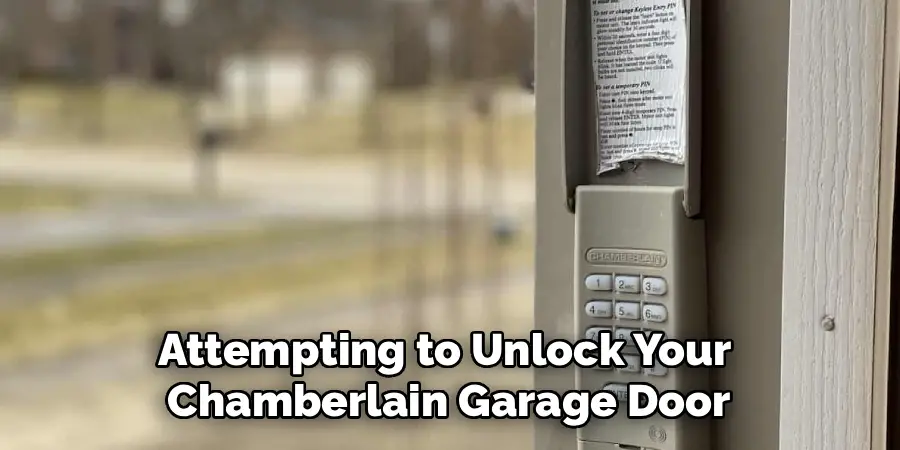
If nothing happens, inspect the power supply. A tripped breaker or an unplugged unit might be why the opener isn’t functioning. Should power not be the issue, test the batteries in your remote. Replace them if necessary. Finally, examine the tracks and the locking mechanism for visible obstructions or damage. Identifying the issue sets the stage for choosing the right unlocking technique.
Step 2: Pull the Emergency Release Cord
Most Chamberlain garage doors come with an emergency release cord, often featuring a bright red handle for visibility. This cord is your main tool for disengaging the automatic opener, allowing manual operation of the door.
Locate the cord hanging from the overhead track or near the motor. Firmly pull it downward until you hear a click, indicating the garage door opener has disengaged. With this done, the door should now move freely by hand. Always be cautious when pulling the cord, as a fully wound spring or a damaged track can cause the door to drop unexpectedly.
Step 3: Attempt Manual Operation
Once the automatic opener is disengaged via the emergency release cord, you can manually open the door. Stand securely at the center of the door to distribute your lifting power evenly. Slowly raise the door, ensuring it’s balanced and does not tilt.
If the door resists or feels too heavy, stop immediately. Resistance could indicate a faulty spring or structural misalignment. Forcing it open can aggravate the problem, leading to potentially dangerous outcomes. When working alone, proceed slowly but steadily to avoid strain or injury. Depending on your garage’s design, you may also need assistance.
Step 4: Appliance Reset for Smart Models
If you own a smart-enabled Chamberlain garage door opener, the issue could stem from a software glitch or network connectivity problem. Begin by unplugging the device from the power source. Wait for a few minutes before plugging it back in—restarting the system can resolve minor faults.
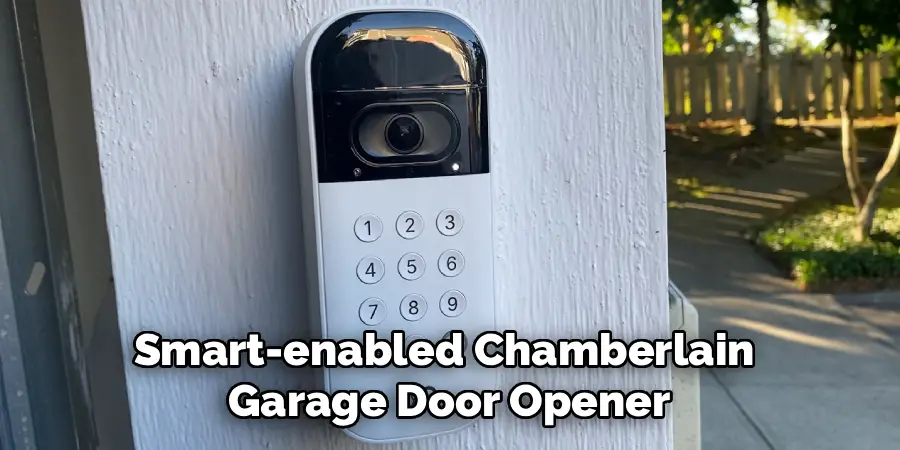
For Wi-Fi-enabled models connected to apps, verify your internet connectivity and restart the Wi-Fi router if needed. Reconnecting the Chamberlain system to your home network may restore full functionality. Be mindful to follow the device’s specific instructions during this process.
Step 5: Check for a Mechanical Lock
Some Chamberlain garage doors feature an external manual lock for added security. If this is activated, you’ll need a key to unlock it. Locate the lock on the exterior of the door, usually in the center. Using the appropriate key, turn it gently to unlock the mechanism.
Once you’ve unlocked it, attempt to open the garage door manually. If unsuccessful, re-inspect the locking mechanism to ensure no obstructions are causing the issue. Always keep the key to your manual lock in a memorable, safe spot to avoid unnecessary frustration.
Step 6: Inspect Tracks and Rollers
If pulling the emergency cord and operating the door manually still doesn’t work, inspect the door’s tracks and rollers for buildup, blockages, or wear. Tracks must remain aligned and clean to allow smooth movement.
Clean the tracks with a soft cloth and remove any dirt or debris. Lubricating the rollers and hinges with a silicone-based lubricant can also help restore function. Damaged tracks or severely worn rollers require professional intervention to prevent further mechanical issues.
Step 7: Test for Internal Lock Override
Did you know Chamberlain garage doors often come with a built-in locking mechanism that could be unintentionally engaged? Locate the area near the tracks or motor for an internal locking dial or lever.
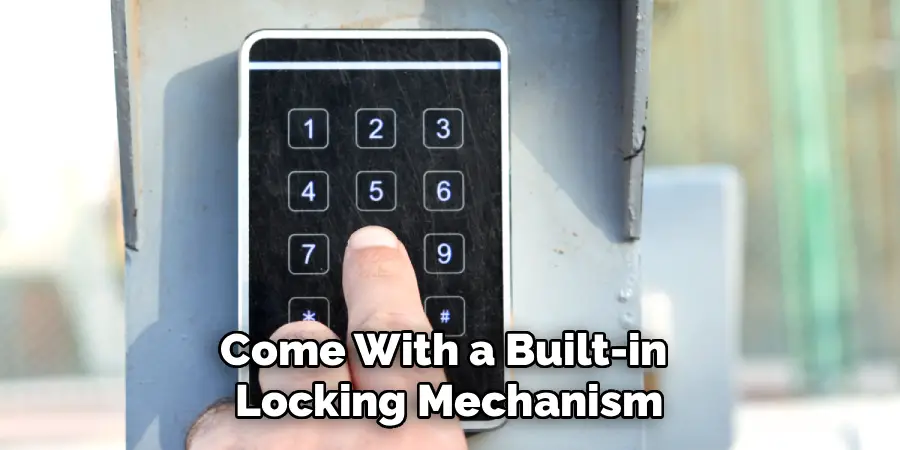
Toggle it to the unlocked position and re-attempt opening. Often, simply releasing this feature resolves the problem. If unsure about manipulating the lock settings, consult your Chamberlain model’s user manual, which contains step-by-step illustrations for clarity.
Step 8: Restore Torsion Spring Tension
Torsion springs control the heavy lifting of almost all modern garage doors. A spring that’s loose or broken will hinder normal operation. To restore tension yourself, use a winding bar and follow safety guidelines in your Chamberlain model’s instruction guide.
You’ll need patience and caution. Incorrect handling of the spring could cause injuries. If the spring looks particularly worn, it’s better to call a professional for repairs, as improper adjustments can lead to severe damage or accidents.
Step 9: Seek Professional Assistance for Complex Problems
If all else fails, reach out to a trained technician who specializes in Chamberlain garage doors. A professional will recognize underlying issues, such as sensor misalignment, broken cables, or advanced motor repairs.
While troubleshooting yourself can address simpler problems, more significant technical complications demand experienced hands for corrective action. Investing in expert help ensures optimal function and safety in the long term.
Common Troubleshooting Techniques
Before opting for professional assistance, try these common troubleshooting techniques to resolve issues with your Chamberlain garage door.
Check the Power Supply
Ensure the garage door opener is plugged in and receiving power. Inspect the circuit breaker or fuse box to confirm there are no interruptions in the electrical supply.
Inspect the Remote Battery
If the remote control does not operate the door, replace its batteries. Weak or dead batteries are often the simplest cause of remote issues.
Examine the Safety Sensors
Clean the photo-eye sensors located near the bottom of the garage door tracks. Dust or obstructions can block the beam, preventing the door from closing properly.
Lubricate Moving Parts
Apply garage door lubricant to rollers, tracks, hinges, and springs to reduce friction and ensure smooth operation. Avoid using grease, as it can attract debris.
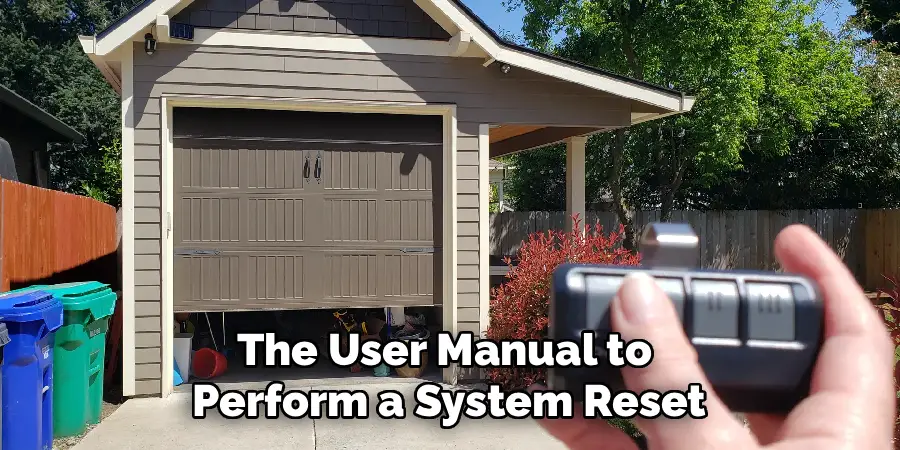
Reset the Opener
Consult the user manual to perform a system reset. This can often resolve software glitches or restore default settings in the opener.
By following these steps, you can address many common issues and maintain the functionality of your garage door without significant effort.
Frequently Asked Questions
How do I open my Chamberlain garage door during a power outage?
To open your garage door manually during a power failure, locate the red emergency release cord. Pull it down to disengage the automatic opener, allowing manual operation. From there, lift the door by holding its base with both hands. Secure it open temporarily if needed by locking it in place using built-in latches.
What should I do if my door won’t stay open after unlocking it?
If your garage door slides down after opening, it could indicate a broken spring or poor tension. Springs carry the bulk of a door’s weight. To prevent accidents, avoid further use and contact a technician to inspect and repair the springs safely.
Can I lubricate the tracks and rollers myself?
Yes, you can clean and lubricate tracks and rollers as part of regular maintenance. Use a dry cloth to remove debris and apply silicone-based lubricant sparingly. Avoid using grease or oil, as they can attract dirt and impair functionality over time.
What are common signs that my opener needs replacement?
Signs that indicate your opener may require replacement include unusual noises, irregular movement, or recurring malfunctions. Repeated unresponsiveness, despite replacing batteries and resetting connections, suggests the motor could be wearing out.
Why is my smart garage door opener not responding to Wi-Fi commands?
Check the strength of your Wi-Fi signal and ensure the Chamberlain opener is within range. Restarting both the opener and router can fix connectivity glitches. If issues persist, ensure firmware is updated through the Chamberlain app settings.
Conclusion
Knowing how to unlock a Chamberlain garage door equips you to handle unexpected challenges with ease. Whether it’s a power outage, a jammed mechanism, or even something as simple as a tripped lock, the steps outlined here will restore access safely without unnecessary damage.
Regular maintenance of your Chamberlain garage door opener can prevent many common issues before they arise. Checking the system for loose hardware, cleaning the photo-eye sensors, and lubricating moving parts are essential steps to ensure smooth operation. Additionally, testing the backup battery periodically can provide peace of mind during power outages.
Mastering these skills not only keeps your garage door functional but also saves time and frustration. Don’t wait until the next lockout—practice these techniques and keep your home running smoothly!

I am Rick. I grew up helping my dad with his handyman service. I learned a lot from him about how to fix things, and also about how to work hard and take care of business. These days, I’m still into fixing things- only now, I’m doing it for a living.
I’m always looking for new ways to help people grow and develop. That’s why I have created this blog to share all my experience and knowledge so
that I can help people who are interested in DIY repair.