
Programming multiple cars to a garage door opener might seem like a daunting task, but with the right guidance, it’s simpler than you might think. Learning how to program multiple cars to a garage door opener enables convenience for households with several vehicles, giving all drivers easy access to the garage. Whether you’re dealing with older model openers or modern systems like MyQ, this guide covers everything you need. By the time you’re finished, you’ll know exactly how to match several transmitters to your garage door for seamless operation.
This skill is particularly beneficial for families or shared living spaces, ensuring everyone has uncomplicated garage access without the hassle of manually opening doors or needing extra remotes. Keep reading for a detailed yet beginner-friendly step-by-step process to simplify the task.
Why Programming Multiple Cars is Important
Having multiple cars programmed to your garage door opener is more than just a time-saver; it enhances convenience and long-term functionality in day-to-day life. Whether you live with your family, share a workspace, or carpool often, the ability to program all vehicles simplifies access without needing multiple remotes or memorizing different PINs.
This compatibility eliminates the frustration of forgetting external remotes, especially during rainy afternoons or when you’re rushing. With just a press of your car’s built-in transmitter, the garage door opens or shuts effortlessly. Today’s openers integrate well with different vehicle types, which means virtually any automobile equipped with a HomeLink or Car2U system is simple to program.
On top of that, having several vehicles programmed also promotes shared responsibility, reducing the chance of misplacing essential garage door remotes. For modern families or groups juggling busy schedules, this minor setup streamlines daily routines, transforming a repetitive chore into a seamless task.
9 Step-by-Step Guide on How to Program Multiple Cars to Garage Door Opener
Programming multiple cars to a garage door opener can feel overwhelming at first, but breaking it into straightforward steps makes it much easier. Follow this guide carefully to connect all vehicles to the same garage system without complications.
Step 1: Understand Your Garage Door Opener Compatibility
Before jumping into programming, you need to confirm the compatibility of your garage door opener with multiple vehicles. Some older garage systems only support a limited number of connections, while newer models like MyQ or Chamberlain can handle several cars. Additionally, check whether the vehicles are equipped with features like HomeLink or Car2U since these systems are crucial for pairing with most garage openers.
To begin, consult the instruction manual for your opener and understand its limits and wireless frequency requirements. Most systems work on a 315 or 390 MHz frequency, but double-check to ensure your programming process aligns. Having this knowledge ensures smoother setup and minimizes errors.
Step 2: Locate the Learn (or Program) Button on the Opener
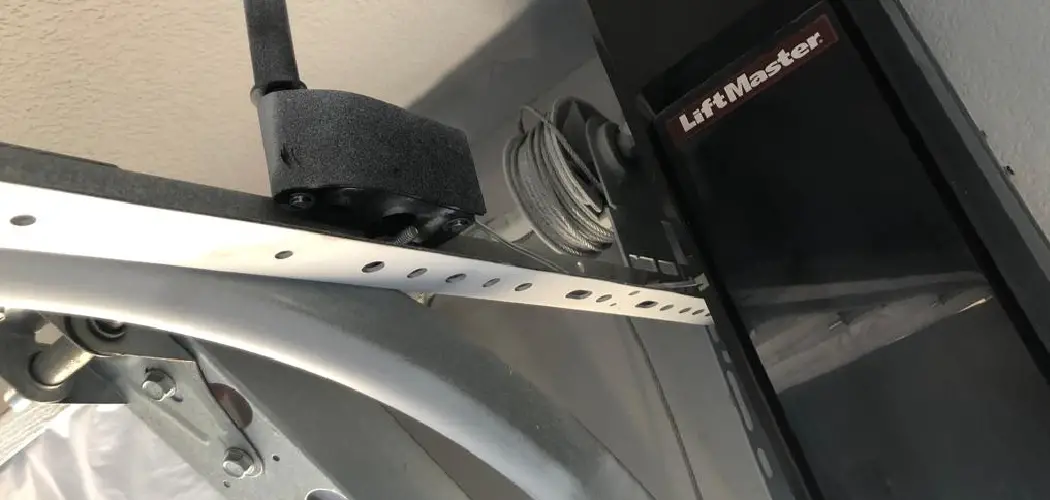
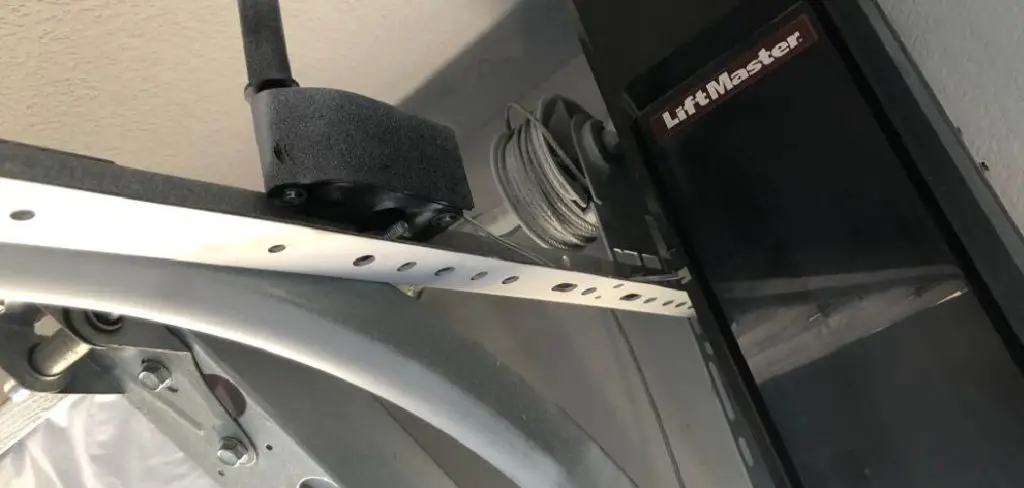
The learn button is a critical part of programming multiple vehicles. Typically located on the back or side panel of the garage door opener, it activates the connection mode that enables pairing with devices like cars or remotes.
To find the button, use a step ladder if necessary. It’s often underneath a small cover near the antenna wire. Once located, familiarize yourself with how it works, as its programming time may vary—some buttons activate for 30 seconds, while others last a few minutes. Knowing this helps you work efficiently during the programming process.
Step 3: Clear Previous Programming from Your Vehicle
If you’ve previously paired your vehicle’s transmitter with another garage door opener or remote system, clearing old codes is essential for smooth reprogramming. Begin by holding down the two outer buttons of the transmitter inside your vehicle for approximately 10–20 seconds until the indicator light flashes rapidly.
Keep in mind that this step not only erases prior codes but also resets the transmitter to default settings, making it ready for new programming. Clearing previous configurations ensures there won’t be interference between multiple cars being programmed.
Step 4: Program the First Car to the Opener
With the learn button active, proceed to program your first vehicle. Sit inside and press the button you wish to program on your vehicle’s transmitter, holding it near the opener’s receiver. The light on the opener should blink, signaling that the car has been paired successfully.
If your system uses rolling codes, you may need to repeat this process a few times until synchronization occurs. Most systems confirm successful programming with a flashing light or an audible beep. Patience is key, as improper positioning might require adjustments for it to connect.
Step 5: Repeat the Process for Additional Cars
For every other vehicle you’re adding, replicate the setup from step four. Reactivate the learn button on the machine and then program the next car, following the same actions to ensure proper synchronization. Be mindful of each vehicle’s interior transmitter button placement, as this can slightly vary across makes and models.
It’s important to stay methodical during this stage, waiting for confirmation (i.e., blinking lights) that pairing is complete for each vehicle before resetting the learn button.
Step 6: Test the Functionality of Every Vehicle
Testing is a crucial step to verify that multiple cars are programmed and functioning as expected. One by one, try opening and closing the garage door using the designated buttons in each car. Watch for consistent performance—if there’s a delay or misalignment, recheck the pairing steps and ensure that the learn button was activated appropriately during each session.
This process confirms that the cars and the opener communicate properly, giving you confidence in the system’s reliability.
Step 7: Troubleshoot Common Problems
If any vehicle fails to sync, revisit the compatibility notes from step one. Make sure both the car’s transmitter and the garage system operate on the same frequency. If syncing problems persist, consider clearing codes once more or referencing troubleshooting tips in the opener’s manual.
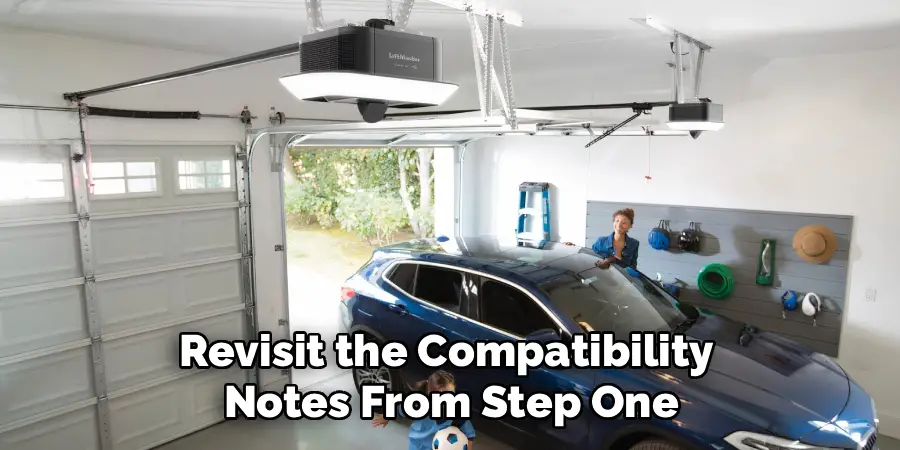
Other common issues include outdated batteries in transmitters or obstructed signals, which can easily be resolved with small adjustments.
Step 8: Finalize and Secure the System
Once all cars have been successfully programmed, finalize the setup by securing the opener’s control panel or disconnecting the learn button’s receiver mode to prevent others from pairing accidentally. Maintenance at this stage ensures both convenience and security, so no uninvited connections occur.
Step 9: Explore Advanced Features for Easier Management
Some modern garage systems, such as MyQ-compatible devices, come with app integration that allows remote control and monitoring of all paired cars. Exploring advanced options like these enhances the practicality and usability of your newly programmed system, making everyday tasks simpler.
Maintain a Backup Plan
Lastly, even after programming, having a physical remote or keypad as an alternative entry option is always a smart precaution. These backups come in handy in case of signal interference or system failures. Additionally, it is important to regularly check and update the batteries of these backup devices to ensure they are functioning properly. While remote programming adds convenience, it is always wise to have a backup plan in place for any unexpected situations.
By following these steps and taking precautions, remote programming can be a simple and effective way to enhance your garage door opening experience. With the advancement of technology, we can now easily customize our garage door systems for added convenience and security. So why not take advantage of this feature and make your daily routine a little easier? So go ahead, explore different options and find what works best for you! And remember, with great power (or in this case, control) comes
Frequently Asked Questions
Can I program an unlimited number of cars to my garage door opener?
Not all systems support unlimited connections. Many older garage openers cap connections at 2–3 vehicles, whereas modern systems often allow up to 5 or more. Check your manufacturer’s specifications to confirm limits.
Do I need a professional to program multiple cars?
No, most programming can be completed independently using the steps outlined in your garage opener manual. However, professionals can assist with older or complex systems if issues arise.
What if some cars don’t support HomeLink?
For vehicles without HomeLink, consider using universal garage door opener remotes as a substitute. These devices can often pair effectively with most modern garage systems.
Why isn’t my car syncing to the opener?
Common reasons include incompatible frequencies, incorrect button presses, or expired batteries. Ensure the learn button is properly activated and follow the steps sequentially.
Can I erase programming for one car while keeping others active?
Yes, most garage systems allow you to clear individual transmitters via programmed resets without impacting the remaining cars. Consult your manual for specific instructions on partial resets.
Conclusion
Knowing how to program multiple cars to a garage door opener simplifies life and optimizes day-to-day convenience. By following clear, step-by-step instructions, you can easily sync multiple vehicles to one opener without additional stress. From ensuring compatibility to troubleshooting issues, this guide equips you to confidently handle the setup process.
Additionally, maintaining your garage door opener and its components is crucial for long-term functionality. Regularly check the batteries in your remote controls, inspect the door mechanism for any signs of wear, and ensure that safety sensors are aligned and operational. This routine upkeep not only enhances performance but also extends the lifespan of your system, saving you time and money in the long run.
Take the first step today and enjoy the long-term benefits of a seamlessly programmed garage system that works for everyone in your household.

I am Rick. I grew up helping my dad with his handyman service. I learned a lot from him about how to fix things, and also about how to work hard and take care of business. These days, I’m still into fixing things- only now, I’m doing it for a living.
I’m always looking for new ways to help people grow and develop. That’s why I have created this blog to share all my experience and knowledge so
that I can help people who are interested in DIY repair.