
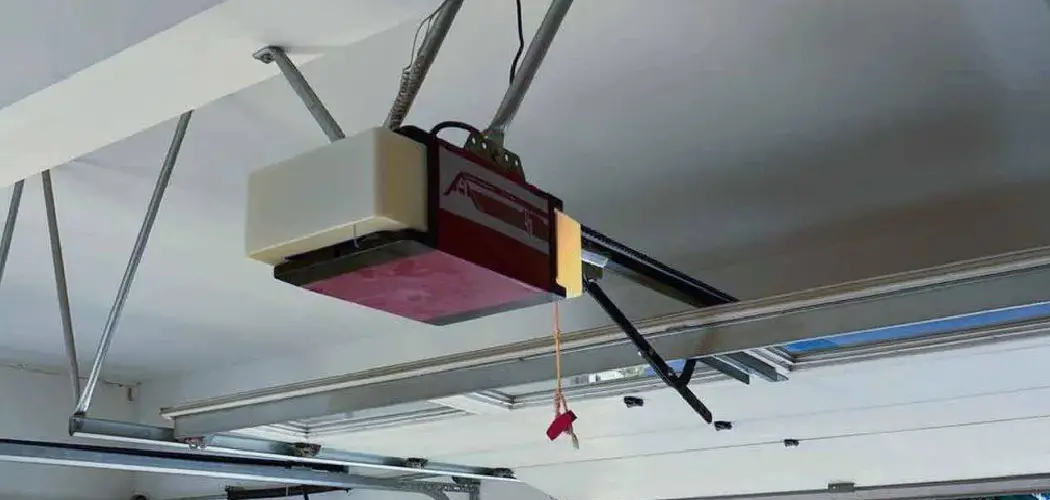
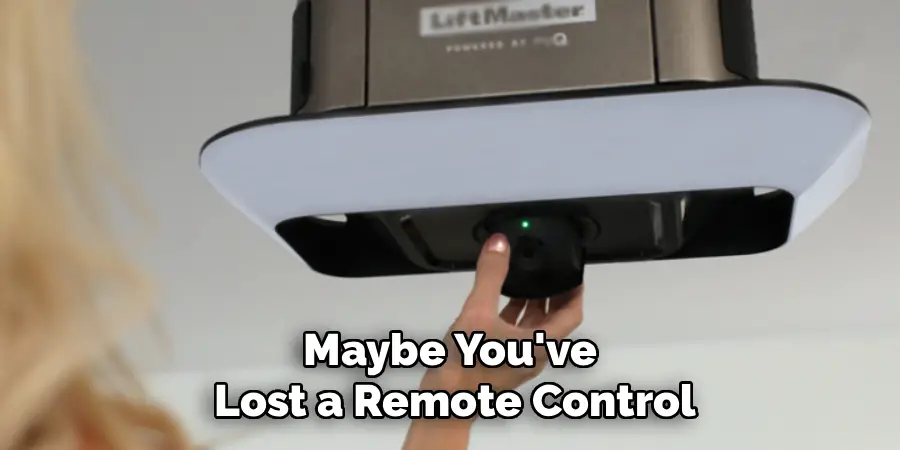
If you own a LiftMaster garage door opener, you might find yourself needing to adjust its settings for a variety of reasons. Perhaps you’ve noticed interference from a neighbor’s remote, causing your door to open unexpectedly. Maybe you’ve lost a remote control and are concerned about security, or you’re trying to sync a new universal remote or keypad. This often leads homeowners to search for a way to change the opener’s frequency. However, this common search term can be misleading when it comes to modern garage door openers.
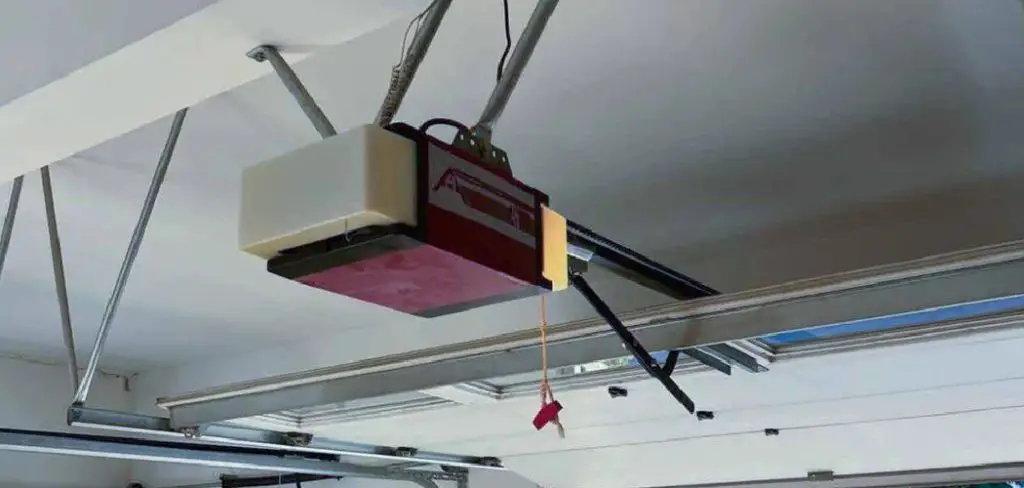
The truth is, on most LiftMaster models made in the last two decades, you cannot manually “change the frequency” in the way you might think. Instead, the process involves clearing the opener’s memory of all linked devices and then re-linking only the ones you want to use. This effectively resets the secure connection between your remotes and the motor, achieving the same goals of resolving interference and boosting security. This guide will explain why modern openers work this way and provide a clear, step-by-step process for what is effectively the modern method of learning how to change frequency on LiftMaster garage door opener systems.
Why You Can’t “Change the Frequency” on Modern LiftMaster Openers
To understand why the process has changed, it’s helpful to look at the evolution of garage door opener technology. The shift from older, less secure systems to today’s highly encrypted ones has fundamentally altered how remotes communicate with the main unit. This section will educate you on the technology, helping you manage expectations and understand the “why” behind the steps.
From DIP Switches to Rolling Codes
In older garage door openers, changing the frequency was a very literal, manual process. These units used a system of small toggle switches called “DIP switches” located inside both the remote and the motor unit. To pair a remote, you had to physically set the pattern of these switches (e.g., up-down-up-up) to be identical on both devices.
This set a fixed frequency and code. While simple, this method was highly insecure. Anyone with a similar remote could open your garage by matching your DIP switch pattern, and the signal was vulnerable to being captured by code-grabbing devices.
To combat this, LiftMaster and other major brands introduced rolling code technology, branded as Security+ and, more recently, Security+ 2.0. Instead of a single fixed code, this technology uses an encrypted algorithm that changes the access code every single time you press the remote button. The opener’s receiver is programmed to only accept the next code in the sequence, making it virtually impossible for thieves to capture and reuse your signal. Because this secure link is managed by software, there is no physical frequency to change.
The Role of the “Learn” Button
The key to managing this modern system is the “Learn” button on the garage door opener’s motor unit. This button is the gateway to the opener’s memory. When you press it, you put the opener into a pairing mode, allowing it to accept a new remote’s unique, encrypted signal. The “Learn” button doesn’t change the opener’s core broadcast frequency (which is set at the factory, typically to 315 MHz, 390 MHz, or a range-hopping frequency for Security+ 2.0), but it allows you to control which specific devices are authorized to communicate with it. Therefore, the modern way to “change the frequency” is to erase the list of authorized devices and create a new one.
Identifying Your LiftMaster Model and “Learn” Button
Before you start the reset process, it is crucial to know what kind of opener you are working with. A few moments of identification can save you a lot of frustration later on.
Finding the Model Number
Take a close look at the main motor unit hanging from your garage ceiling. On the side or back panel, you will find a sticker with important information, including the model number. Jotting this down can be helpful if you need to look up the user manual online for specific details about your unit, though the general reset process is very consistent across models.
Locating and Identifying the “Learn” Button Color
The most important identifier on your LiftMaster opener is the “Learn” button. This small, usually square button is what you will use to clear the memory and reprogram your devices. It is typically located on the back or side panel of the motor unit, often near a small LED indicator light and an antenna wire. You may need to flip down a light cover to access it.
The color of this button is extremely important, as it tells you which generation of Security+ technology your opener uses. Common colors include Purple, Red/Orange, Green, and Yellow. This color is the key to ensuring any new remotes or keypads you buy are compatible and to understanding the specific steps for programming.
Pre-Reset Checklist: Safety and Preparation
A few simple preparatory steps will ensure the process is safe, smooth, and efficient. Do not skip this preparation, as working with a garage door requires caution.
Essential Safety Measures
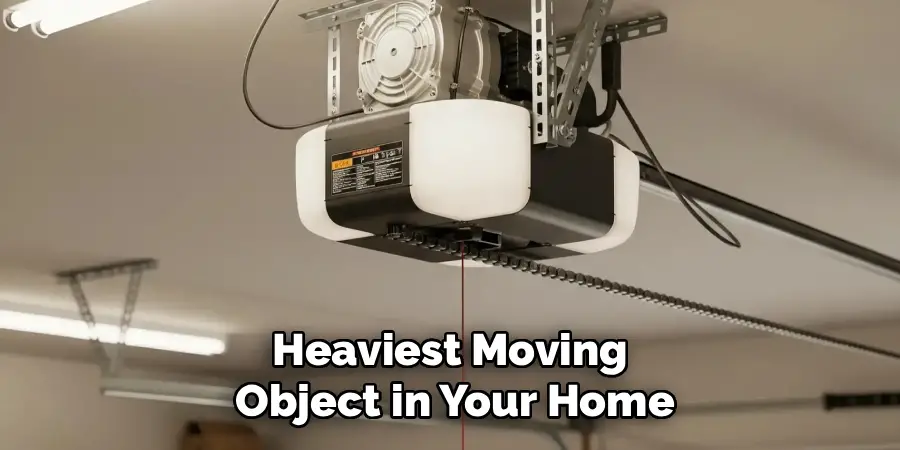
Your garage door is the largest and heaviest moving object in your home. Before you begin, make sure the door’s path is completely clear of any obstructions. This includes vehicles, tools, bicycles, and especially people and pets. You will be accessing the motor unit, so use a stable and secure ladder or step stool. Ensure the ladder is on level ground and that you can comfortably reach the “Learn” button without overextending yourself.
Gathering Your Remotes
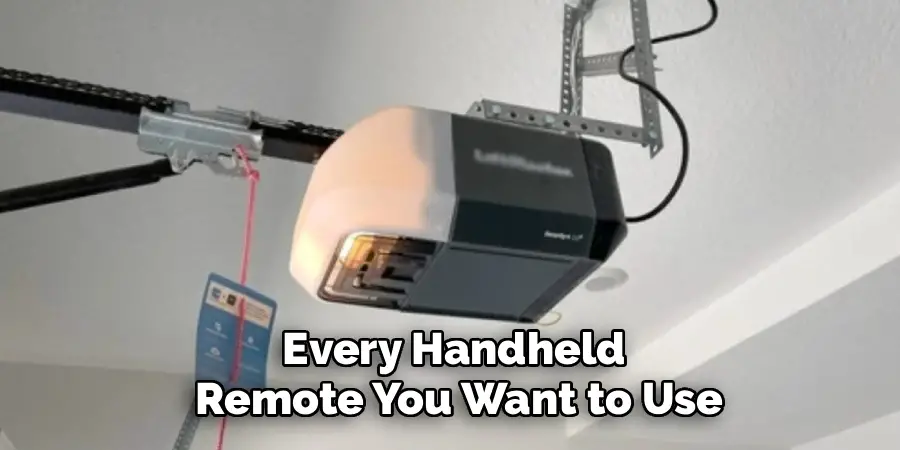
To ensure a complete and secure reset, you need to account for every device that operates your garage door. Go through your home and cars and gather all the handheld remotes you wish to use. Do not forget about any wireless keypads mounted outside the garage or the built-in HomeLink buttons in your vehicles. The reset process will deactivate all of them, and each one will need to be re-linked individually. Having them all on hand from the start will prevent you from being locked out or having to repeat steps later.
How to Change Frequency on LiftMaster Garage Door Opener: A Step-by-Step Guide
This is the core of the process. This guide will walk you through the two main phases: first, erasing the opener’s memory to resolve any interference or security issues, and second, reprogramming your chosen devices to restore access.
Step 1: Accessing the Motor Unit
Safely position your ladder so you can easily reach the back or side panel of the LiftMaster motor unit. If there is a light cover obscuring the controls, open it to expose the “Learn” button and its corresponding LED indicator light.
Step 2: Erasing All Previous Codes
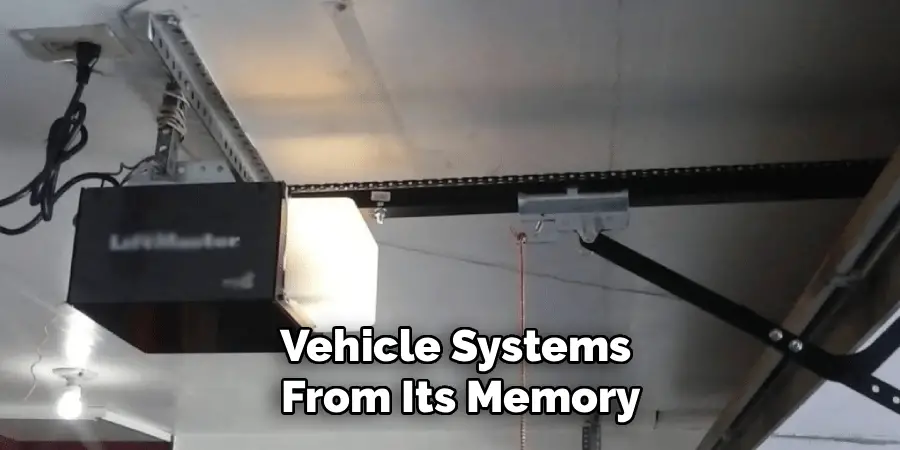
This is the most critical step for security and for resolving interference. You are going to wipe the opener’s memory clean. Press and hold the “Learn” button firmly. You will see the small LED indicator light next to it turn on. Continue to hold the button down for about 6 to 10 seconds. After this time, the LED light will go out. The moment the light goes out, release the button. This action confirms that the opener has erased all previously linked remotes, keypads, and vehicle systems from its memory. At this point, none of your old remotes will work.
Step 3: Re-Linking Your Primary Remote
Now you will begin adding your devices back to the system’s trusted list. Start with your primary handheld remote. Press and release the “Learn” button one time. The LED indicator should turn on and stay lit for about 30 seconds. This indicates the opener is in pairing mode and is ready to accept a new signal.
Step 4: Confirming the Connection
Within that 30-second window, take your remote and press and hold the button you want to program. You need to hold it until you get a confirmation from the motor unit. This confirmation will usually be the main light on the garage door opener blinking once, or you might hear an audible double-click from the motor itself. Once you see the lights flash or hear the clicks, you can release the remote button.
Step 5: Testing the Newly Linked Remote
To confirm the pairing was successful, step away from the door and press the button on the remote you just programmed. The garage door should now operate normally. If it does, you have successfully re-linked your first device.
Step 6: Programming Additional Devices
Your other remotes and keypads will not work until you repeat the process for each one. For each additional remote, you must follow the same procedure: press and release the “Learn” button on the motor unit, and then, within 30 seconds, press and hold the button on the new remote until the opener’s lights flash. Repeat this for every handheld remote you want to use.
Reprogramming a Wireless Keypad
A wireless keypad requires a slightly different sequence to reprogram after the memory has been cleared. The process is still simple and uses the “Learn” button as the starting point.
Starting the Keypad Programming
Just as with a remote, begin by pressing and releasing the “Learn” button on the motor unit. The indicator LED will light up, giving you 30 seconds to get to your keypad.
Entering the New PIN
Go to the wireless keypad mounted on the exterior wall of your garage. Enter the 4-digit Personal Identification Number (PIN) that you want to use. After entering the PIN, press and hold the “Enter” button on the keypad. You will need to hold the “Enter” button until the main lights on the garage door opener blink or you hear the unit click twice. This confirms that the keypad has been successfully linked with your new PIN.
Re-syncing Your Vehicle’s HomeLink System
If your vehicle has built-in garage door opener buttons (a HomeLink system), the master reset on the LiftMaster will have deactivated them as well. You will need to re-sync them.
Using a Previously Programmed Remote
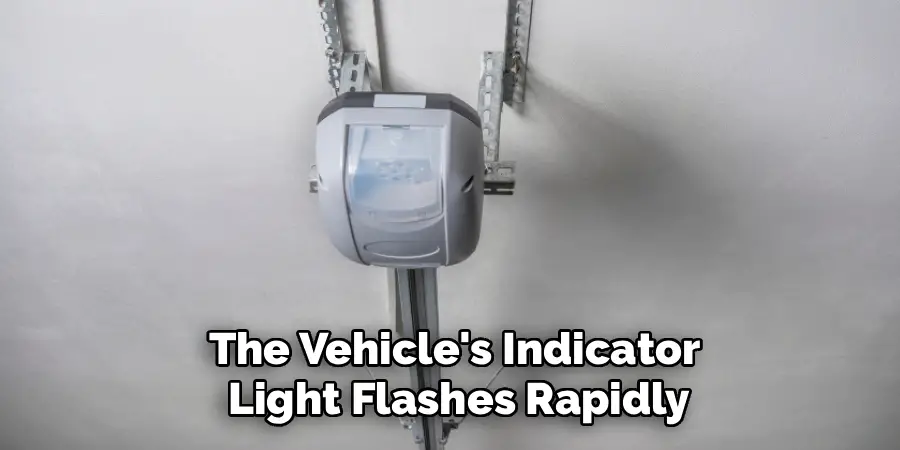
The process for syncing HomeLink is a bit different. You do not program it directly from the “Learn” button. Instead, you first need to “train” the HomeLink button using one of your newly programmed handheld remotes. Follow your vehicle manufacturer’s specific instructions, but this generally involves holding the handheld remote near the HomeLink buttons and pressing both simultaneously until the vehicle’s indicator light flashes rapidly.
Completing the Sync with the “Learn” Button
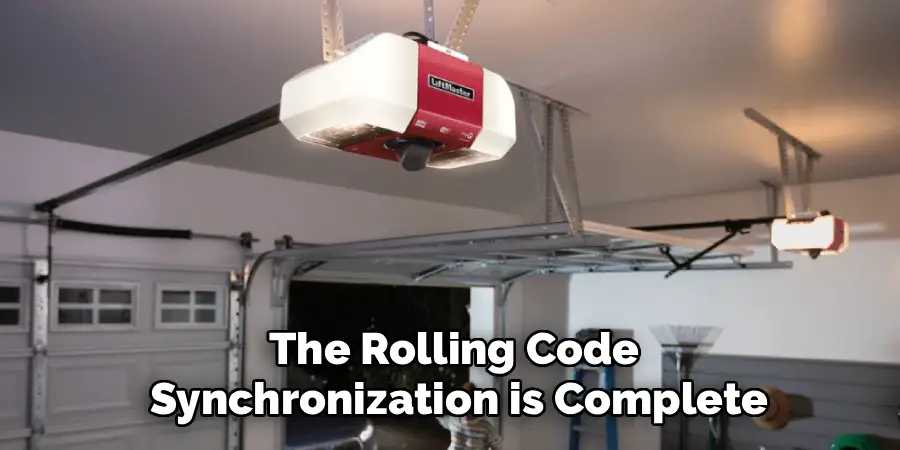
Because LiftMaster uses rolling code technology, this initial training step is not enough. After you have trained the HomeLink button with your remote, you must complete the synchronization. Press and release the “Learn” button on your LiftMaster motor unit. Then, within 30 seconds, return to your car and press the programmed HomeLink button two or three times. The door should activate, confirming that the rolling code synchronization is complete.
Troubleshooting Common Issues
Even with a straightforward process, you might encounter a hiccup. Here are solutions to the most common problems.
Remote Won’t Link After Memory is Cleared
If you have successfully cleared the memory but a remote refuses to link, the problem is almost always with the remote itself, not the opener. The first and easiest thing to check is the battery. Replace the battery in the handheld remote and try the programming sequence again. If it still fails, ensure the remote is compatible with your opener. Check its model number against the technology indicated by your “Learn” button color (e.g., a remote for a Red/Orange button opener will not work with a Yellow button opener).
“Learn” Button LED Doesn’t Light Up
When you press the “Learn” button, the LED indicator next to it should light up. If it does not, this could signal a more serious issue. First, check that the garage door opener is receiving power. If the lights work and the wall control panel operates the door, but the “Learn” button is unresponsive, it may indicate a problem with the opener’s logic board. In this case, the board may need to be replaced, which is a job best left to a professional technician.
Conclusion
While you may have started with the goal of figuring out how to change frequency on LiftMaster garage door opener systems, you now know that the modern solution is both more secure and more effective. You can’t manually adjust a broadcast frequency, but by clearing the opener’s memory and re-linking only the devices you trust, you achieve the same goal: eliminating interference, locking out lost or stolen remotes, and ensuring your garage remains secure. This process gives you complete control over which devices can access your home.
This is a simple yet powerful skill for any homeowner with a LiftMaster system. By understanding the role of the “Learn” button and following the steps to erase and reprogram, you can confidently manage your garage door access, troubleshoot remote issues, and maintain your peace of mind. Your garage is an important entry point to your home, and keeping it both accessible to you and secure from others is a priority you can easily manage yourself.

I am Rick. I grew up helping my dad with his handyman service. I learned a lot from him about how to fix things, and also about how to work hard and take care of business. These days, I’m still into fixing things- only now, I’m doing it for a living.
I’m always looking for new ways to help people grow and develop. That’s why I have created this blog to share all my experience and knowledge so
that I can help people who are interested in DIY repair.