
Owning a sophisticated vehicle like the Volkswagen Atlas means enjoying modern conveniences that make life easier. One of the most satisfying features is the integrated HomeLink system, which allows you to operate your garage door directly from your vehicle, eliminating the need for clumsy remotes clipped to your visor.
However, the initial setup can seem a bit technical, with button presses and syncing sequences that might feel confusing. The good news is that the process is much simpler than it appears. This guide is designed to walk you through the entire setup, providing clear, beginner-friendly instructions. You will soon see that learning how to program vw atlas garage door opener systems is a quick task that adds a significant level of convenience to your daily routine, seamlessly connecting your car to your home with the touch of a button.
To get started, all you need is your vehicle’s ignition turned on, your garage door remote, and a little patience. By following these steps carefully, you’ll be able to sync your VW Atlas to your garage door opener in just a few minutes.
How to Program VW Atlas Garage Door Opener: A Step-by-Step Guide
Step 1: Prepare Your Vehicle and Workspace
Before starting the programming process, ensure your Volkswagen Atlas is parked outside of the garage but facing the door. The vehicle’s ignition must be on for the HomeLink system to receive power, but you do not need to start the engine. It is also a good idea to have a fresh battery in your existing garage door opener remote, as a weak signal from the remote is a common cause of programming failure. Finally, make sure the path of the garage door is clear of any people, pets, or objects. You will be operating the door during this process, so safety is paramount. Having everything prepared and in place makes the subsequent steps much smoother and more efficient.
Step 2: Clear Any Existing HomeLink Programming
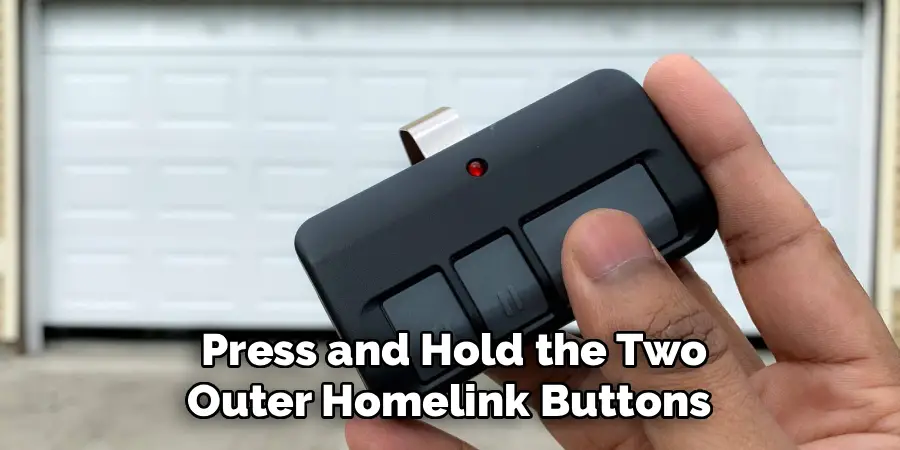
If you have just purchased your Atlas or if the HomeLink buttons were previously programmed for another location, you should start by clearing the system’s memory. To do this, press and hold the two outer HomeLink buttons (typically labeled I and III) on your vehicle’s overhead console or sun visor. Continue holding them down for approximately 20 seconds.
The indicator light above the buttons will flash slowly at first and then begin to flash rapidly. Once you see the rapid flashing, you can release the buttons. This action erases any previously stored codes, giving you a clean slate to begin programming your specific garage door.
Step 3: Train the HomeLink Button
Now it is time to teach your Atlas the signal from your handheld remote. Grab your existing garage door remote. Inside your vehicle, decide which of the three HomeLink buttons you want to program. Press and hold that chosen button. While you are holding the button in the car, simultaneously press and hold the button on your handheld remote. Hold the remote about one to three inches away from the HomeLink buttons in your Atlas.
Continue holding both buttons down. The HomeLink indicator light will begin to flash slowly and then will change to a rapid flash. Once it flashes rapidly, you can release both buttons. This rapid flash confirms that the Home-Link system has successfully learned the signal from your remote.
Step 4: Locate and Press the “Learn” Button on the Motor Unit
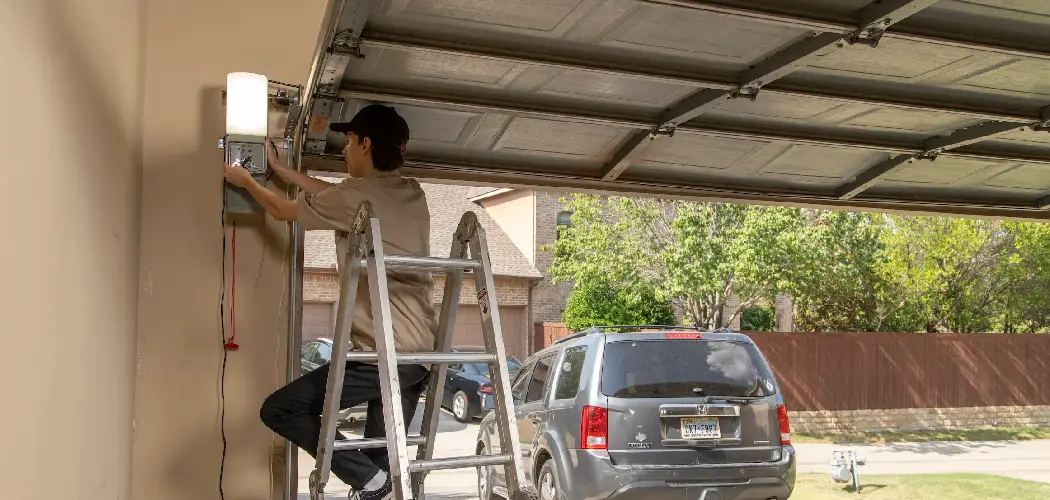
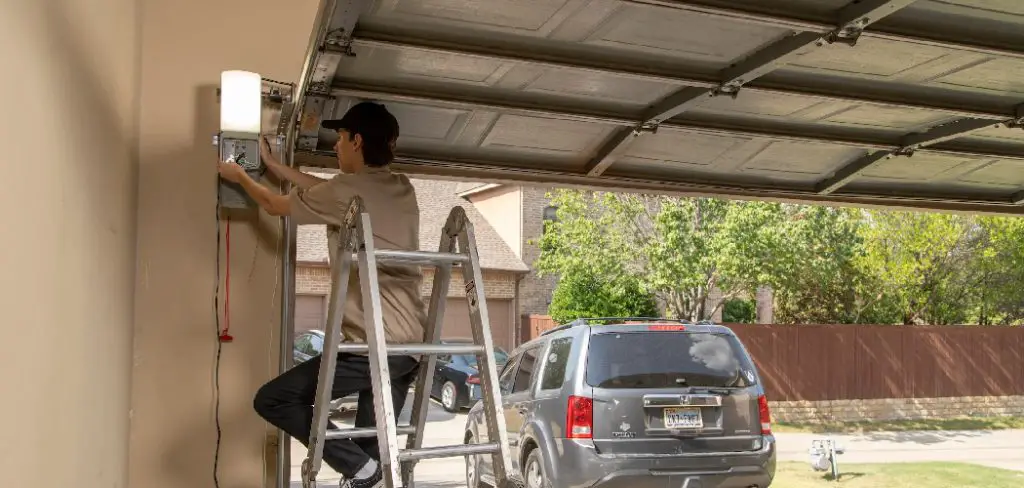
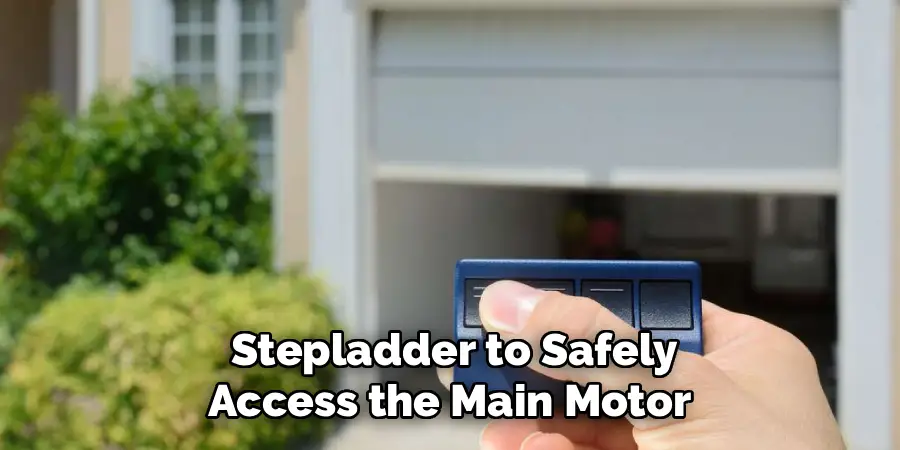
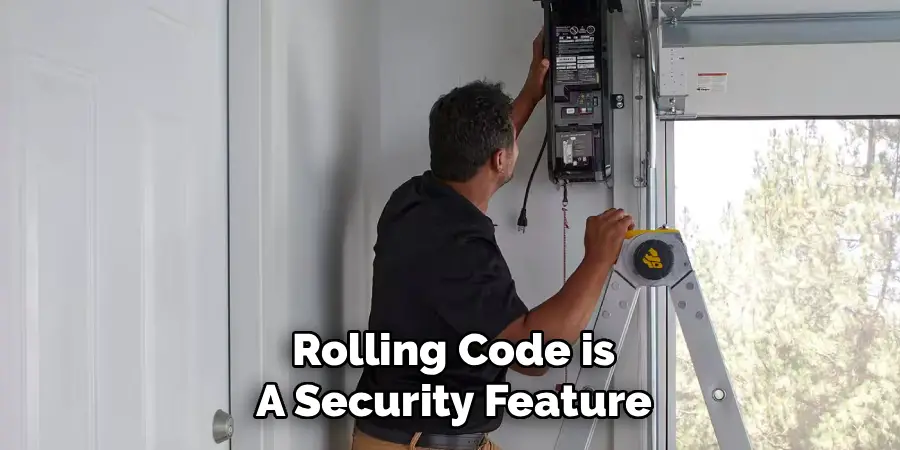
Many modern garage door openers use a “rolling code” technology for added security, which requires an extra synchronization step. For this, you will need a stepladder to safely access the main motor unit of your garage door opener inside your garage. Look for a button on the motor housing, often labeled “Learn,” “Smart,” or “Set.” It might be located near the antenna wire and is frequently a different color, such as purple, red, or green.
Once you locate this button, press and release it. Do not hold it down. Pressing this button will typically cause an adjacent LED light to begin blinking, indicating that the unit is now in pairing mode and ready to sync with your vehicle.
Step 5: The Final Sync
After pressing the “Learn” button on the motor unit, you have a very short window of time to complete the synchronization, usually only about 30 seconds. Quickly and safely return to your Volkswagen Atlas. Inside the vehicle, press and release the same HomeLink button that you trained in the previous step. You may need to press and release the button two or three times. Watch the light bulbs on your garage door opener motor unit; they should flash, and you may hear a click. This is the signal that the motor has successfully accepted the command from your vehicle. The programming is now complete.
Step 6: Test the Newly Programmed Button
With the programming sequence finished, it is time to test your work. Press the HomeLink button you just programmed in your Atlas. The garage door should now operate, either opening or closing depending on its current position. If the door moves as expected, congratulations! You have successfully programmed your vehicle’s integrated opener. If the door does not move, do not worry. It sometimes takes a few tries.
You may need to repeat the process, paying close attention to the timing, especially the 30-second window after pressing the “Learn” button on the motor. Ensure you are pressing and releasing the HomeLink button firmly during the final sync step.
Step 7: Program Additional Buttons if Needed
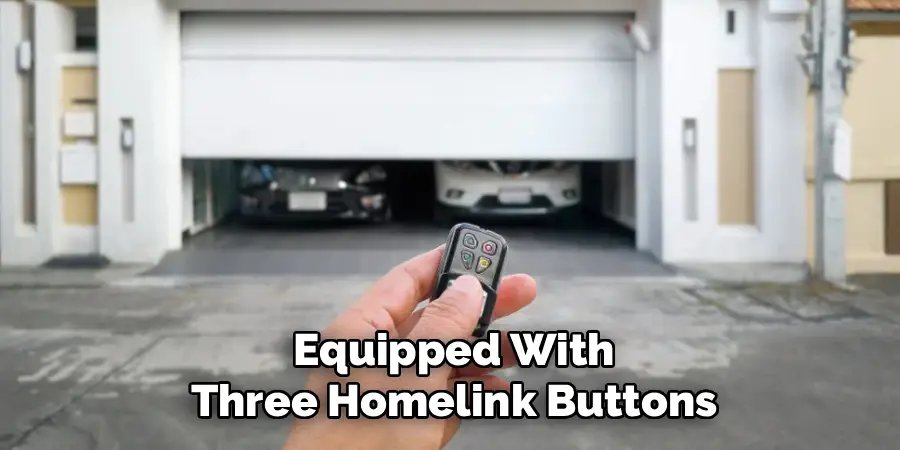
Your Volkswagen Atlas is equipped with three HomeLink buttons, allowing you to control multiple devices. If you have a second garage door or a gate opener, you can program the remaining buttons using the exact same process. Simply choose a different HomeLink button (e.g., button II or III) and repeat the steps, starting with training the button using the corresponding handheld remote. You do not need to clear the system memory again.
Each button is programmed independently, giving you convenient, integrated control over multiple entry points to your property, all from the comfort of your driver’s seat.
Frequently Asked Questions
Why Is My HomeLink Light Not Changing from a Slow to a Rapid Flash?
If the indicator light does not change to a rapid flash during the training step, it usually indicates a problem with the signal from your handheld remote.
- Battery: The most common issue is a weak battery in the remote. Try replacing it with a fresh one.
- Distance: Experiment with the distance. Hold the remote closer to, or slightly further from, the HomeLink buttons, anywhere from one to three inches away.
What Is a Rolling Code and How Do I Know if I Have One?
A rolling code is a security feature that changes the access code every time you use your remote. Most garage door openers made after 1995 use this technology. You will know you have a rolling code system if, after training the HomeLink button with your remote, the garage door does not operate.
This means you must perform the additional step of pressing the “Learn” button on the motor unit to complete the sync.
The Garage Door Still Won’t Work After Following the Steps. What Should I Do?
If the programming fails, start by clearing the HomeLink memory again. Then, repeat the entire process, paying close attention to the timing. The 30-second window after pressing the “Learn” button is critical. If it still does not work, check the compatibility of your garage door opener with HomeLink by visiting the official HomeLink website. Some very old or obscure models may not be compatible.
Can I Program the HomeLink System Without a Working Remote?
No, in most cases, you cannot. The initial step of the process requires the HomeLink system to learn the signal directly from a functioning handheld remote control. If you have lost your remote or it is broken, you will need to purchase a replacement remote from your garage door opener’s manufacturer before you can program the system in your Atlas.
Does the Car’s Engine Need to Be Running to Program or Use HomeLink?
The engine does not need to be running, but the vehicle’s ignition must be in the “On” position. The HomeLink system requires power from the car’s battery to both program the buttons and transmit the signal to open the door. You can program it with the car in accessory mode or with the ignition on without starting the engine.
Conclusion
Integrating your home’s access points with your vehicle represents the best of modern convenience, and the HomeLink system in your Volkswagen Atlas is designed to make this connection seamless. While the process may seem complex at first glance, it boils down to a few simple stages: clearing the memory, training the button with your remote, and syncing with the motor unit.
By following these steps carefully, you can easily ditch the separate remote and enjoy the clean, integrated functionality your car provides. Now that you have a clear understanding of how to program vw atlas garage door opener systems, you are ready to tackle this quick DIY project and add a touch of streamlined efficiency to your daily arrivals and departures.

I am Rick. I grew up helping my dad with his handyman service. I learned a lot from him about how to fix things, and also about how to work hard and take care of business. These days, I’m still into fixing things- only now, I’m doing it for a living.
I’m always looking for new ways to help people grow and develop. That’s why I have created this blog to share all my experience and knowledge so
that I can help people who are interested in DIY repair.