
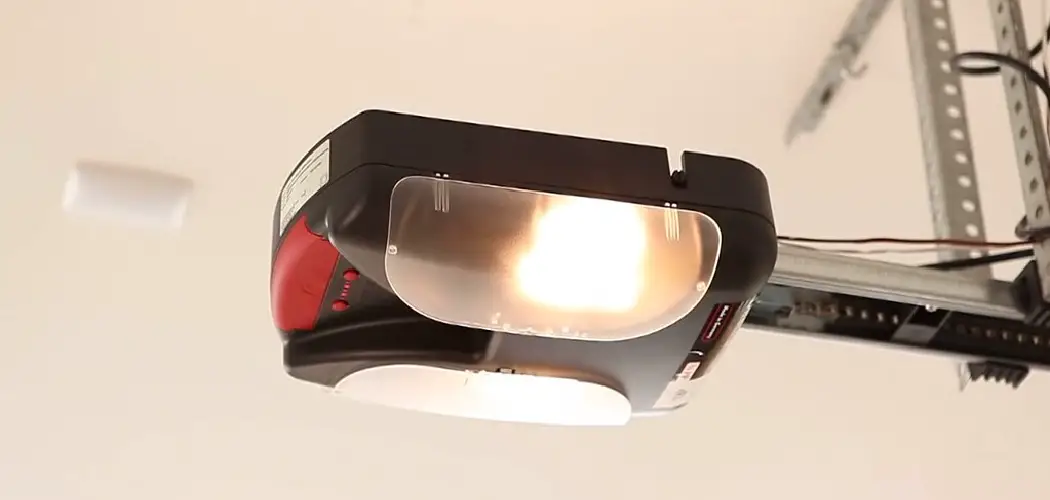
Installing a MyQ garage door opener is a game-changer, upgrading your garage into a smart home feature that’s convenient, secure, and easy to use. With a MyQ device, you can control your garage door remotely, monitor its status, and receive activity alerts—all through a smartphone app. This step-by-step guide will walk you through how to install your MyQ garage door opener, ensuring a smooth and hassle-free process, whether you’re a seasoned DIYer or a beginner just getting started.
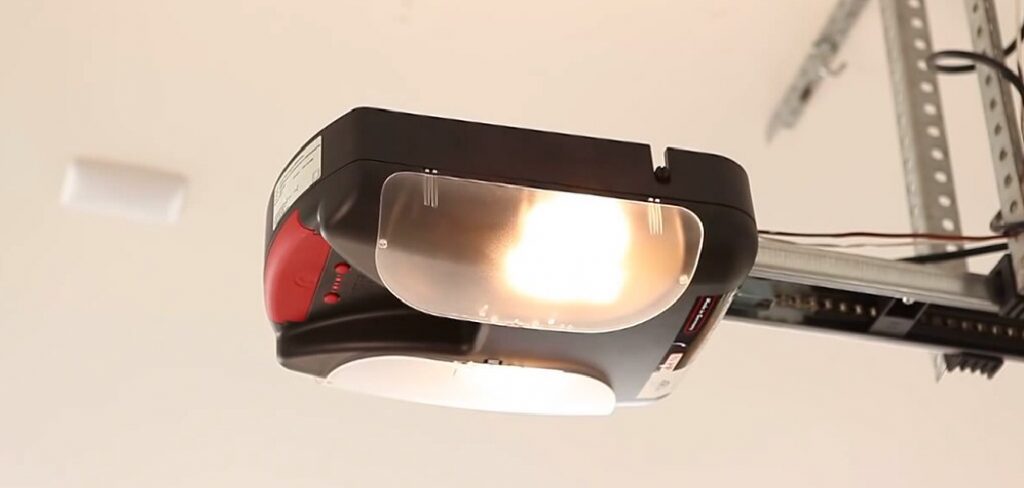
Before you begin, gather all the necessary tools and materials for the installation. You’ll need a compatible garage door opener, the MyQ device, a stable Wi-Fi connection, a step ladder, and basic tools like a screwdriver and possibly a drill. Ensure you have the MyQ app downloaded on your smartphone and create an account if you haven’t already. Setting up a workspace with good lighting and organizing your tools will make the process much easier. Additionally, review the MyQ user manual for any specific instructions related to your model.
By the time you’re done, you’ll have taken your garage into the 21st century, adding both functionality and value to your home. Let’s get started!
Why Install a MyQ Garage Door Opener
The MyQ garage door opener is more than just a modern convenience—it offers a host of practical benefits that make life easier and more secure. If you’ve been considering smart home tech or looking for an upgrade, here’s why installing a MyQ opener is the perfect choice.
Convenience: Forgot to close the garage door when you left? No problem. With MyQ, you can easily check the status of your garage door and close it remotely using the MyQ app on your smartphone.
Added Security: MyQ lets you keep track of every time your garage door opens or closes. You’ll get real-time alerts, so you’re always in the know about what’s happening at home.
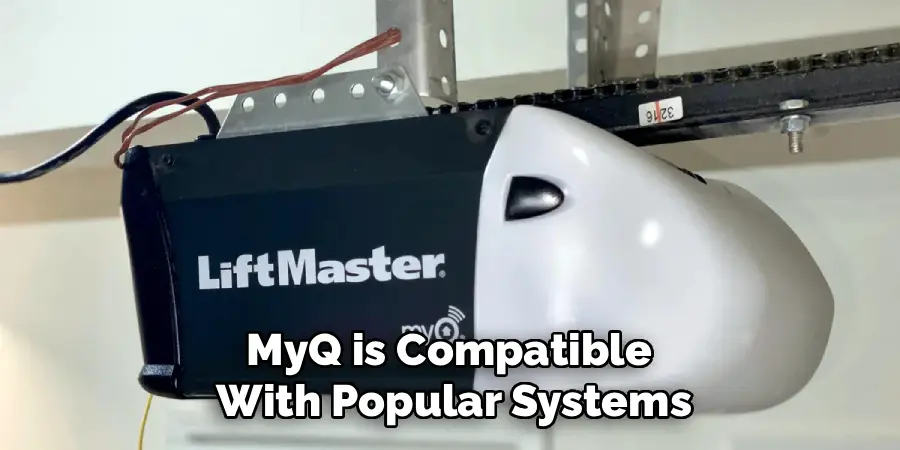
Integrates with Smart Home Devices: MyQ is compatible with popular systems like Google Assistant, Amazon Alexa, and other smart home hubs. These integrations allow for additional automation, such as scheduling the garage door to close at a specific time or syncing with your home lighting system.
Increase Home Value: Smart home technology is an attractive feature for buyers. A MyQ garage door opener adds extra appeal, positioning your home as more modern and well-equipped.
11 Simple Steps on How to Install MyQ Garage Door Opener
Installing your MyQ garage door opener is a straightforward process that you can tackle yourself with a few tools and some patience. Follow these steps to ensure a successful installation.
Step 1: Gather Your Tools and Materials
Before you begin, make sure you have everything you’ll need for the installation. This includes the MyQ garage door opener, your smartphone, a strong WiFi signal in the garage, and basic tools like a ladder, a screwdriver, and possibly a drill. Check the MyQ packaging for additional required materials that might need assembling.
Step 2: Confirm Garage Door Compatibility
It’s crucial to verify that your garage door is compatible with MyQ technology. For most newer garage doors, compatibility won’t be an issue. If your door is older, check the MyQ website or product manual for a compatibility chart. Performing this check can save you time and ensure your setup will work smoothly.
Step 3: Install the MyQ WiFi Hub
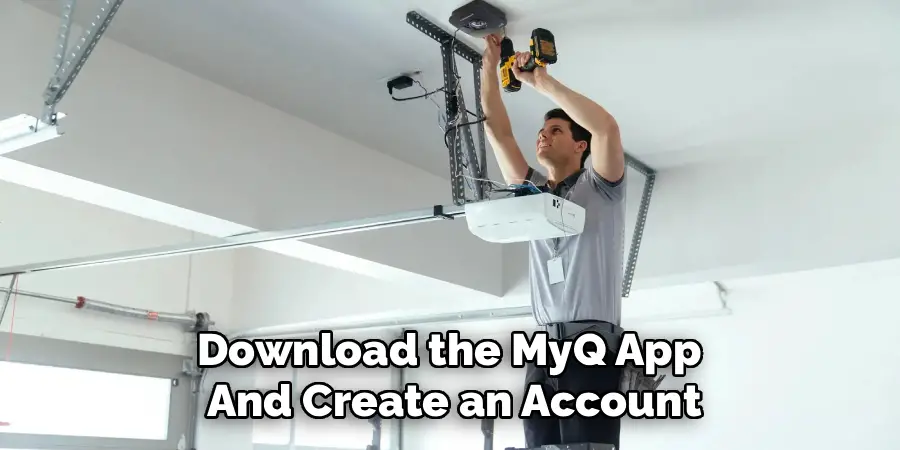
The WiFi hub is the heart of the MyQ system, as it connects your garage door opener to your home’s WiFi network. Locate a suitable spot near a power source but far enough from other wireless devices to avoid interference. Secure the hub to the ceiling or a wall using the included mounting kit.
Step 4: Pair the Hub with Your Smartphone
Download the MyQ app and create an account if you haven’t already. Plug in the WiFi hub and follow the app’s step-by-step instructions to pair the hub with your phone. Be sure to connect the hub to your home’s 2.4 GHz WiFi network, as 5 GHz bands might not be supported.
Step 5: Test Signal Strength
Now that your hub is paired, test the WiFi signal strength in your garage. The app may include a tool to check for connectivity issues. If the signal is weak, consider relocating your hub or installing a WiFi extender to boost coverage in the garage area.
Step 6: Attach the Door Sensor
The door sensor is a critical component of the MyQ system as it detects whether the garage door is open or closed. Mount the sensor securely on the inside of the garage door using screws or adhesive strips provided in the package. Ensure it’s aligned and positioned as instructed in the manual for accurate readings.
Step 7: Link the Sensor to the Hub
Using the MyQ app, link the sensor to your WiFi hub. Follow the prompts in the app to ensure the sensor is properly synced. You’ll likely need to test the connection by opening and closing the garage door to confirm everything is working correctly.
Step 8: Program the Opener
Next, program the MyQ hub to work with your existing garage door opener. The app will guide you through identifying your garage door opener brand and model. Follow the step-by-step programming prompts to pair the devices. This process usually involves pressing a Learn button on your garage door opener.
Step 9: Test the Entire System
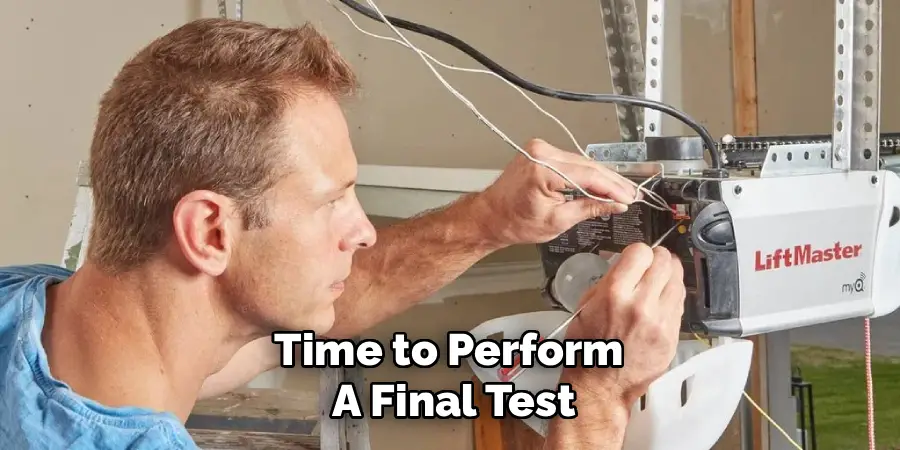
Once everything is set up, it’s time to perform a final test. Open and close the garage door using both the MyQ app and your existing garage remote. Ensure the door responds promptly, the app displays the correct door status, and you receive any associated notifications.
Step 10: Integrate with Other Smart Home Devices
If you have additional smart devices, use the MyQ app to connect them to your garage door opener. For example, link MyQ with Google Assistant or Amazon Alexa for voice control functionality. You can also set up routines and automation with other smart devices, such as turning on the lights in your garage when the door is opened.
Step 11: Troubleshooting
If you encounter any issues during setup or usage of MyQ, refer to the troubleshooting section in the app for common solutions. If the issue persists, contact Chamberlain’s customer support for further assistance.
Additional Features and Accessories
In addition to controlling your garage door, MyQ has a variety of other features and accessories that can enhance your smart home experience. Some popular examples include:
MyQ Smart Garage Camera: This accessory allows you to monitor your garage in real-time from anywhere using the MyQ app. It also includes two-way audio communication for added convenience and security.
Additional Door Sensors: If you have more than one garage door, you can purchase additional sensors to control and monitor them all through the MyQ app.
Smart Light Switches: With compatible smart light switches, you can control and automate the lights in your garage through MyQ or via voice commands with virtual assistants like Amazon Alexa or Google Assistant.
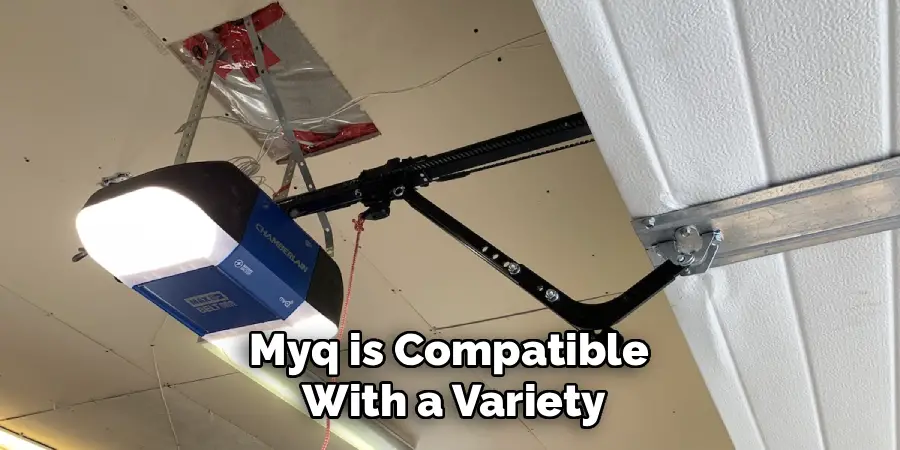
Smart Home Integration: MyQ is compatible with a variety of smart home systems, allowing you to integrate your garage into your overall smart home setup. This includes systems such as Samsung SmartThings, Apple HomeKit, and IFTTT.
Guest Access: You can easily grant temporary access to friends, family members, or service providers through the MyQ app. This eliminates the need for physical keys or codes and allows you to monitor who enters and exits your garage.
Frequently Asked Questions
1. Is my garage door opener compatible with MyQ?
To check compatibility, refer to the list of supported garage door opener brands and models on the MyQ website or in the user manual. Most garage door systems manufactured in the last 10 years are likely compatible, but some older models may require additional hardware to work with MyQ.
2. Can I install a MyQ garage door opener without professional help?
Yes, you can. MyQ garage door openers are designed to be DIY-friendly. The step-by-step instructions provided in the MyQ app are clear and straightforward. Make sure to follow them carefully and gather all necessary tools beforehand.
3. What if my WiFi signal is too weak in the garage?
If the signal strength in your garage is poor, consider relocating the WiFi hub or using a WiFi extender to improve connectivity. Ensuring a strong and stable connection is essential to the MyQ system’s performance.
4. How secure is a MyQ system?
MyQ systems use encryption and security protocols to keep your garage door data safe. Additionally, you can enable alerts for real-time updates if your garage door opens or closes unexpectedly, adding an extra layer of security.
5. Can I control multiple garage doors with one MyQ system?
Yes, you can control multiple garage doors as long as you have a separate sensor for each door. The MyQ app allows you to manage all connected doors from a single interface.
Conclusion
Installing a MyQ garage door opener is an excellent way to enhance your home’s functionality and security. With its ability to connect you to your garage door from anywhere and integrate seamlessly with other smart home devices, the MyQ system offers both convenience and peace of mind.
By leveraging the MyQ system, homeowners can also benefit from features like real-time notifications and scheduling. Whether you want to know if your garage door has been left open or set it to close automatically at a certain time, these customizable options provide an added layer of control and reliability.
Now that you know how to install a MyQ garage door opener, there’s no reason to wait. Transform your garage into a smarter and safer space today, and enjoy the benefits of this cutting-edge technology.

I am Rick. I grew up helping my dad with his handyman service. I learned a lot from him about how to fix things, and also about how to work hard and take care of business. These days, I’m still into fixing things- only now, I’m doing it for a living.
I’m always looking for new ways to help people grow and develop. That’s why I have created this blog to share all my experience and knowledge so
that I can help people who are interested in DIY repair.