
The Ford Bronco is built for adventure, but its convenience features are designed to make everyday life easier. One of the best examples is the integrated HomeLink system, which allows you to operate your garage door directly from your vehicle’s visor, eliminating the need for a clunky, separate remote.
Programming this system syncs your Bronco with your home, providing secure and effortless access with the press of a button. While the process might seem technical, it is surprisingly straightforward and can be completed in just a few minutes without any special tools. This guide will provide a clear, beginner-friendly walkthrough on how to connect bronco garage door opener, getting you one step closer to a fully integrated driving experience.
Connecting your Bronco’s garage door opener is a convenient way to streamline your daily routine. By following a few simple steps, you can eliminate the hassle of carrying an extra remote and enjoy the seamless integration of technology right from your vehicle. Whether you’re a first-time user or just need a refresher, this guide will make the setup process straightforward and accessible.
How to Connect Bronco Garage Door Opener: A Step-by-Step Guide
Step 1: Park Your Bronco and Grab Your Remote
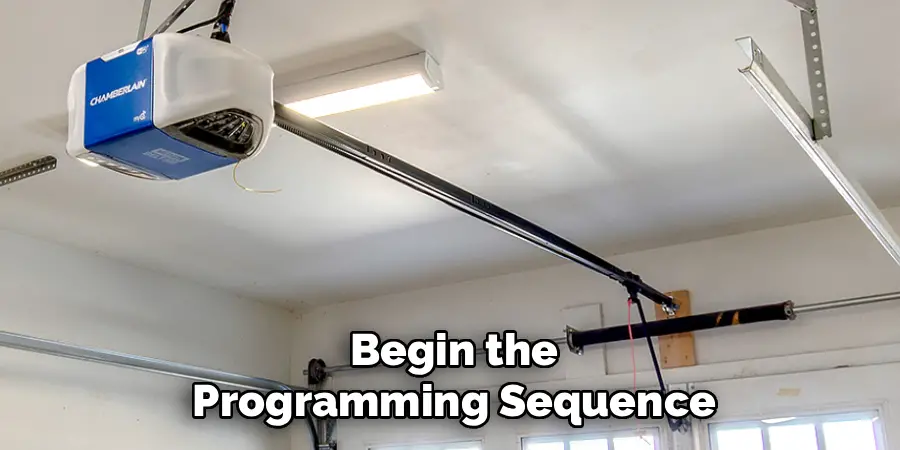
Before you begin the programming sequence, you need to prepare your vehicle and equipment. Park your Bronco outside of the garage, but ensure it is facing the garage door. The HomeLink system uses radio frequency signals, so being within a clear line of sight and reasonable range is important for a successful connection. Next, locate the handheld remote that came with your garage door opener motor. Make sure the remote has a fresh battery, as a weak signal can cause the pairing process to fail. You will need this original remote to “teach” the HomeLink system its specific code. Having everything ready and in place will make the following steps much smoother.
Step 2: Clear Any Existing HomeLink Programming
Your Bronco’s HomeLink system may have been tested at the factory or programmed by a previous owner. To ensure a clean slate, it is best to clear any existing codes from the system’s memory. To do this, press and hold the two outer HomeLink buttons on your vehicle’s visor simultaneously. Continue holding them down for about 10 to 20 seconds. The indicator light on the HomeLink unit will typically flash slowly at first and then change to a rapid flash. Once you see the light flashing rapidly, it means the memory has been successfully erased. You can now release the buttons. This step prevents any old signals from interfering with your new programming.
Step 3: Train the HomeLink System
Now you will teach your Bronco’s HomeLink system the signal from your handheld remote. Choose which of the three HomeLink buttons you want to program for your garage door. Press and hold that chosen button. While you are still holding it, take your handheld garage door remote and hold it about one to three inches away from the HomeLink buttons on the visor. Press and hold the button on your handheld remote that you normally use to open the garage door. You are now holding down both the HomeLink button in your Bronco and the button on your original remote.
Step 4: Watch for the Indicator Light Confirmation
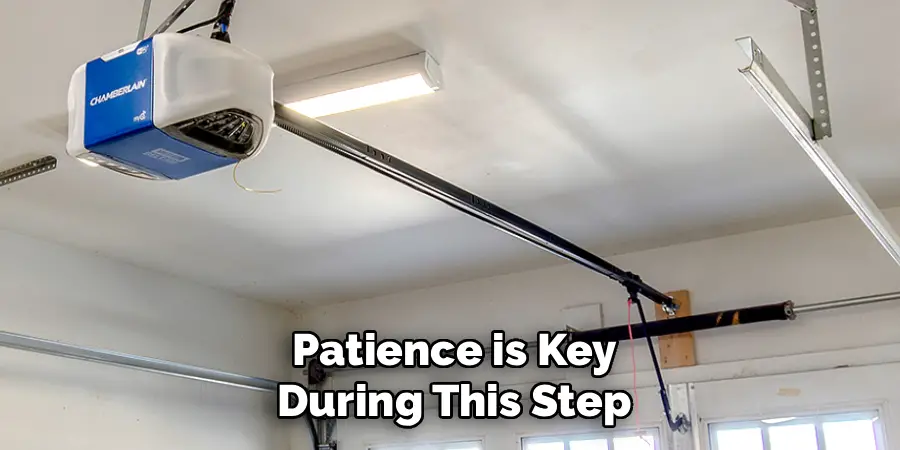
Patience is key during this step. Continue holding both buttons down and pay close attention to the indicator light on your Bronco’s HomeLink panel. The light will begin to flash slowly, which indicates that it is listening for the remote’s signal. After several seconds, the light’s flashing pattern will change from slow to rapid. This rapid flashing is the confirmation signal you are looking for. It means the HomeLink system has successfully learned the radio frequency code from your handheld remote. Once you see the light flashing quickly, you can release both buttons. The first phase of programming is now complete.
Step 5: Locate and Press the “Learn” Button on the Opener Motor
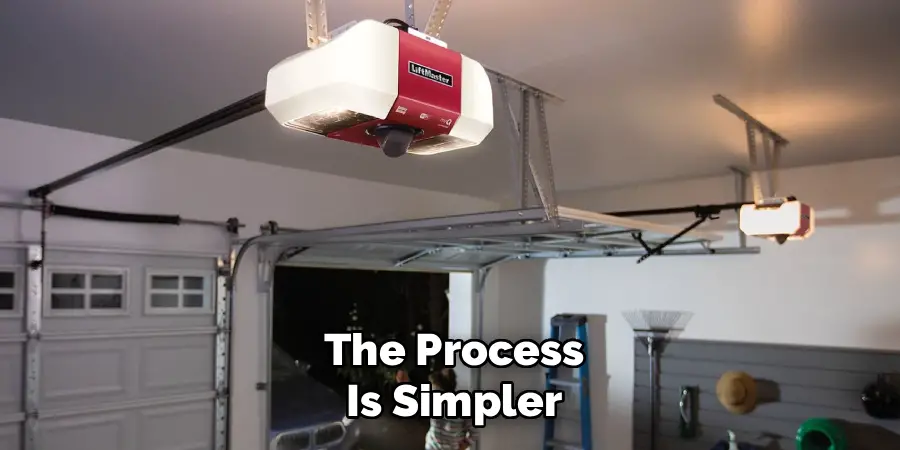
The next step involves a feature on your actual garage door opener unit—the motor mounted to your garage ceiling. This is a crucial part of the process for most modern garage doors, which use “rolling code” technology for security. You will likely need a stepladder to safely reach the motor. Look for a square or round button on the back or side of the unit, which is often labeled “Learn,” “Code,” or “Smart.” It may be located near an antenna wire and is frequently a different color (like purple, red, or yellow). Press and immediately release this button. Do not hold it down, as that can erase all programmed remotes.
Step 6: Complete the Sync
After you press the “Learn” button on the motor, a timer starts, and you typically have only 30 seconds to complete the final synchronization. Quickly and safely return to your Bronco’s driver’s seat. Press and hold the same HomeLink button you were programming in the earlier steps. Hold it for two seconds, then release. Press and hold it again for another two seconds, and release. You may need to do this a third time. During one of these presses, you should see your garage door begin to move. The garage door opener’s lights may also flash. This confirms that the sync is successful.
Step 7: Test Your New Connection
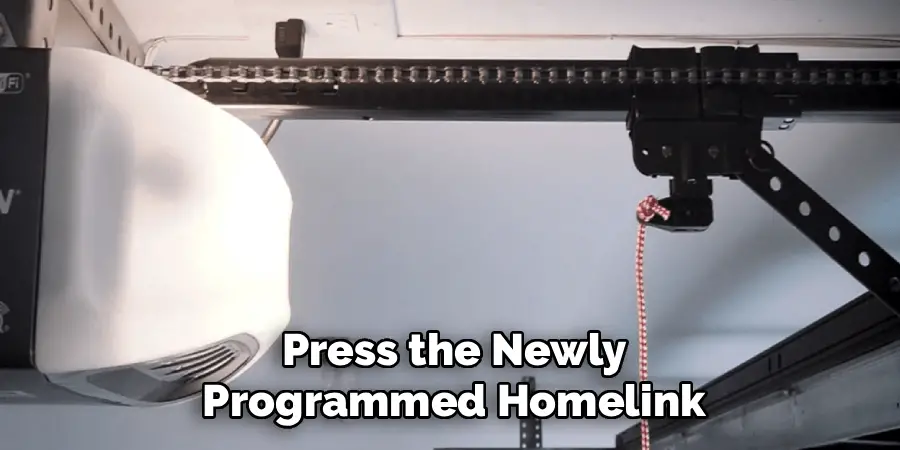
The final step is to test your work. Press the newly programmed HomeLink button in your Bronco. The garage door should now open or close just as it would with your handheld remote. If it works, you have successfully completed the process. You can now store your old remote in a safe place as a backup. If the door does not move, you may need to repeat the process, paying close attention to the timing, especially the 30-second window after pressing the “Learn” button. Once confirmed, you can enjoy the convenience of opening your garage with a simple, integrated button press.
Frequently Asked Questions
What Is the HomeLink System in My Bronco?
HomeLink is a widely used, vehicle-based wireless control system. It uses a transceiver, usually located in the driver’s side sun visor, that can be programmed to learn the radio frequency codes of up to three different devices. This allows you to consolidate your garage door opener, gate opener, and even home lighting controls into one convenient, built-in system, eliminating the need for multiple remotes.
What if My Garage Door Opener Is Very Old?
Most openers made after 1993 use rolling code technology and are compatible with HomeLink. If your opener is older and has a fixed code (usually set by DIP switches), the process is simpler. You will likely only need to complete steps 3 and 4. After the HomeLink light flashes rapidly, the programming is complete, and you do not need to use the “Learn” button on the motor unit.
Why Is the HomeLink Light Not Changing to a Rapid Flash?
If the indicator light does not change from a slow to a rapid flash during the training step, it could be due to a few issues.
- Battery: The battery in your handheld remote might be too weak. Try a fresh battery.
- Positioning: Experiment with the position of your remote. Hold it at different angles and distances from the HomeLink buttons.
- Compatibility: In rare cases, the opener may not be compatible. Check the HomeLink website for their compatibility checker.
The Garage Door Is Not Responding After I Press the Learn Button. What Should I Do?
The most common reason for this is timing. You only have about 30 seconds to return to your vehicle and press the HomeLink button after pressing the “Learn” button on the motor. Make sure you can get back to your car quickly and safely. If it fails, simply press the “Learn” button again and repeat the final sync process.
Can I Program More Than One Garage Door?
Yes. The HomeLink system in your Bronco has three buttons, allowing you to program up to three separate devices. You can use one button for your home garage door, a second for a vacation property gate, and a third for a different garage door. Simply repeat the entire programming process for each device, choosing a different HomeLink button each time.
Conclusion
Integrating your home’s main entry point with your vehicle is a small change that adds a surprising amount of daily convenience and security. By clearing away the clutter of extra remotes, you streamline your departures and arrivals. The process may have a few steps, but it is logical and designed to be completed by any vehicle owner without professional help. By following the sequence of clearing the memory, training the system with your remote, and syncing with the motor’s “Learn” button, you create a secure connection. Now that you know how to connect bronco garage door opener, you can take on this simple DIY project and enjoy the seamless experience of opening your garage with a single, integrated touch.

I am Rick. I grew up helping my dad with his handyman service. I learned a lot from him about how to fix things, and also about how to work hard and take care of business. These days, I’m still into fixing things- only now, I’m doing it for a living.
I’m always looking for new ways to help people grow and develop. That’s why I have created this blog to share all my experience and knowledge so
that I can help people who are interested in DIY repair.